.vp3 file
What is a VP3 embroidery file?
A VP3 file is the embroidery file that Husqvarna Viking and Pfaff machines read. It holds the stitches, the jumps and trims, and the color stops. A VP3 file from Stitch and Threads also stores the exact colors of your design, not a chart match.
Last updated · The Stitch and Threads team
File format
VP3
- The format these machines read
- Husqvarna VikingPfaff
- Thread colors in our file
- Exact colors
- Every VP3 file holds
- Stitches · jumps and trims · color stops
Real results, on real products
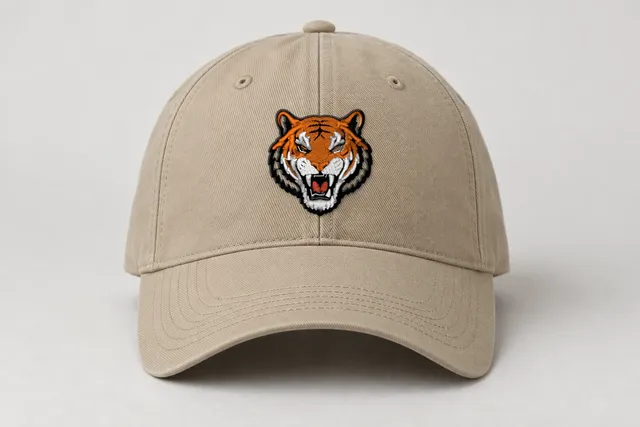 Sample
Tiger mascot
Classic
9,273 stitches · 5 threads · 50 mm wide
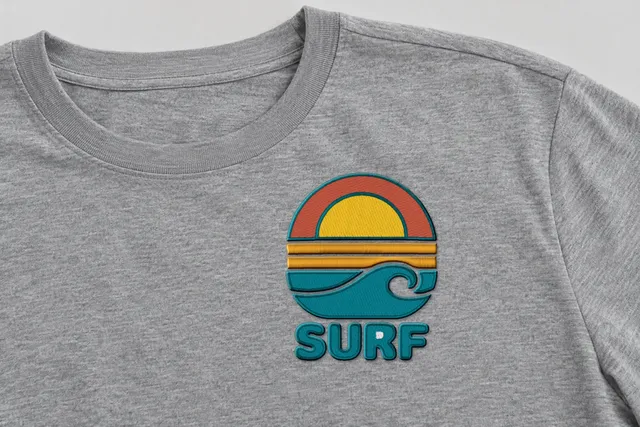 Sample
Surf sunset badge
Bold Outline
14,105 stitches · 5 threads · 90 mm wide
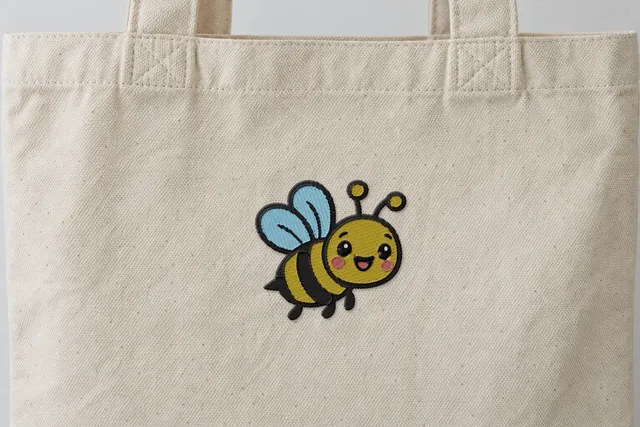 Sample
Happy bee
Soft & Light
4,567 stitches · 5 threads · 90 mm wide
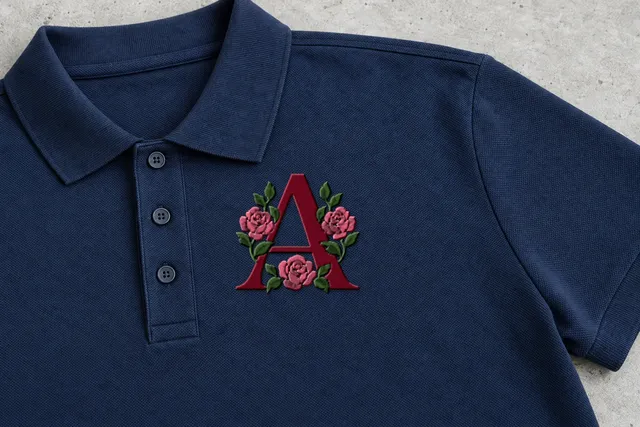 Sample
Rose monogram
Classic
7,515 stitches · 3 threads · 90 mm wide
Mockup: our rendered stitches on a product photo, at true size. Sample designs, not customer work.
Which machines use VP3 files?
VP3 is the format Husqvarna Viking and Pfaff embroidery machines read.
If you sew on either, download VP3. It keeps the colors of your design as they are.
Brand names only show which machines read each format. Check your machine's manual for the formats it reads.
What's inside a VP3 file?
A VP3 file holds the stitches, the jumps and trims, and a color stop at every color change.
Unlike our PES and JEF files, which use the nearest color from a thread chart, our VP3 files store the exact colors of the design.
So the colors your machine shows are the colors your digitizer found in your art. Choose the spools that match them best.
Thread colors in our VP3 file: The exact colors of the design.
- StitchesEach needle move, as a short step from the last one.
- Jumps and trimsWhere the needle travels without sewing, and where the thread is cut.
- Color stopsWhere the machine pauses or changes needle.
- ColorsExact colors
How do I turn my art into a VP3 file?
- 01
Upload your art
A PNG or JPG, up to 25 MB. Logos, lettering, clip art and line drawings work best.
- 02
Pick a style and size
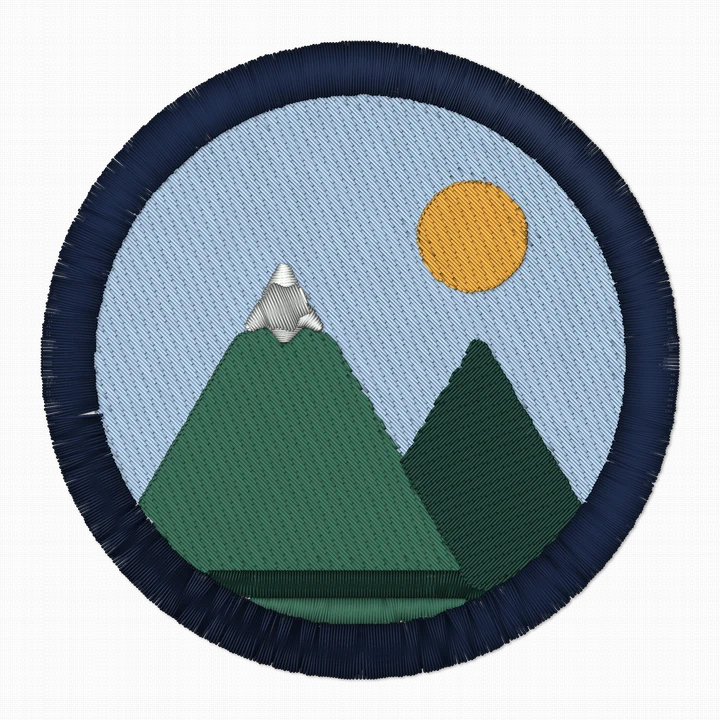
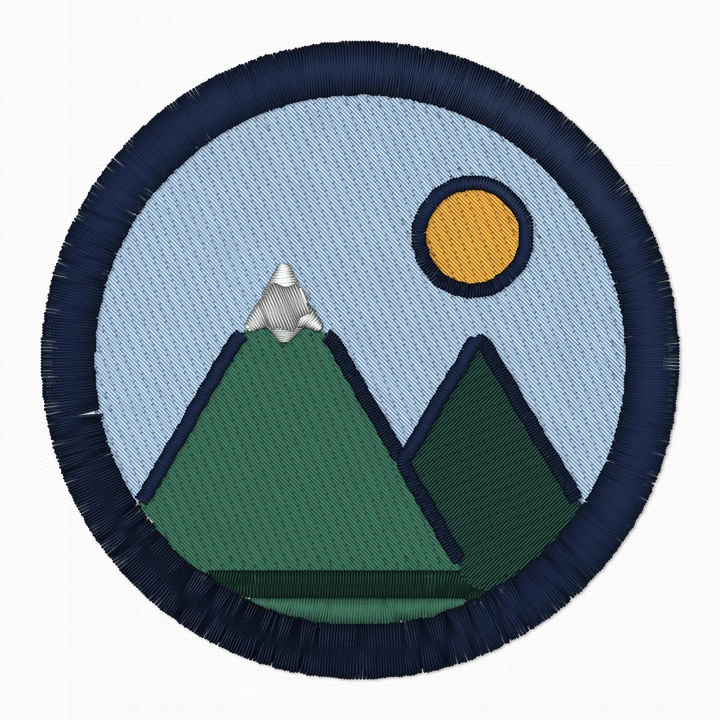
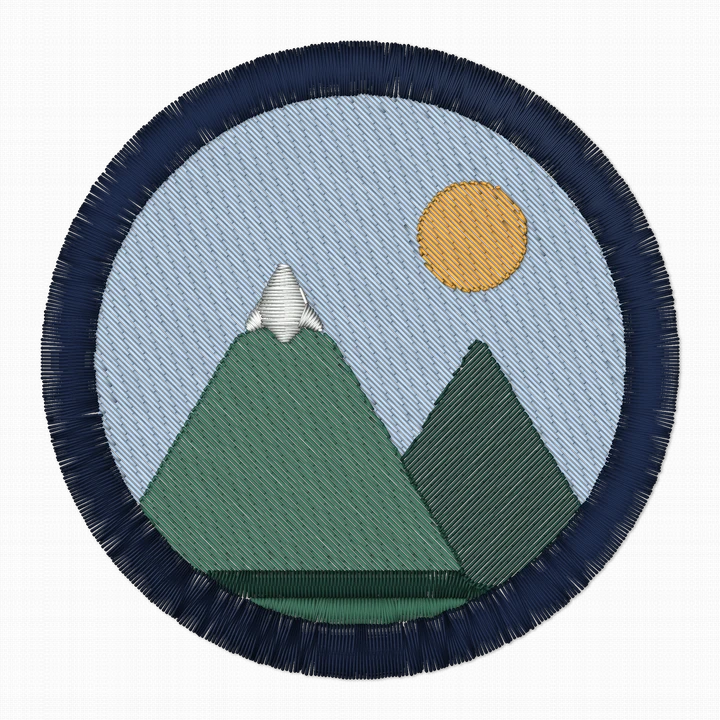
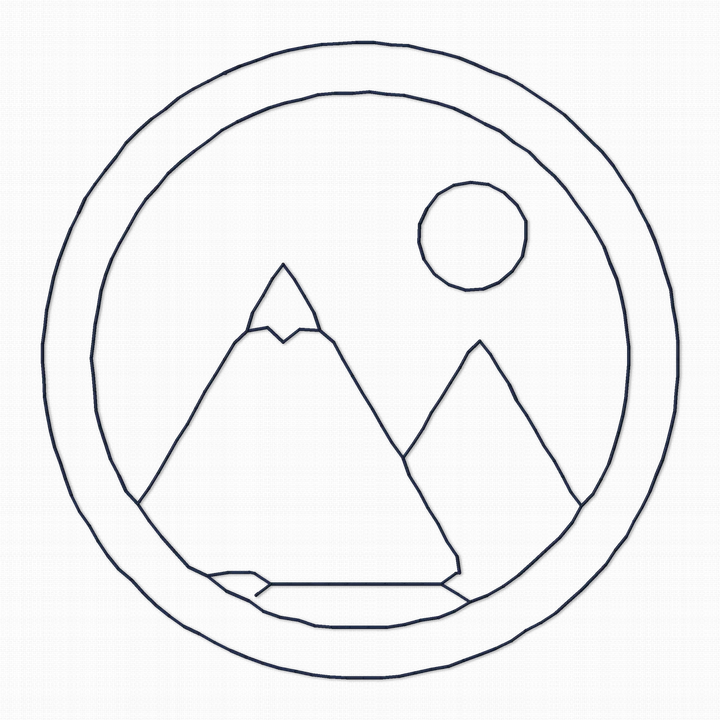
See it stitched in 4 styles, for most designs in about a minute. Choose a width from 10 to 400 mm.
 Sample
 - 03
Download VP3
Pick a style. Downloading uses one of your 5 free designs.
Tips for sewing VP3 files
Exact colors, your threads.
The file shows the exact colors of the design. Pick the spools you own that match them most closely.
Bold Outline for a badge look.
Bold Outline adds a satin outline around every color, for a crisp badge look. On our sample badge it adds about 900 stitches over Classic.
Keep satin columns narrow.
Satin works best for borders, lettering and narrow shapes, roughly 1 to 7–8 mm wide. Wider areas are filled instead, because wide satin gets loose and can snag.
Fit your hoop.
Choose a width that fits your hoop, from 10 to 400 mm. Check your machine's manual for its hoop sizes.
What does a design look like before you save it as VP3?
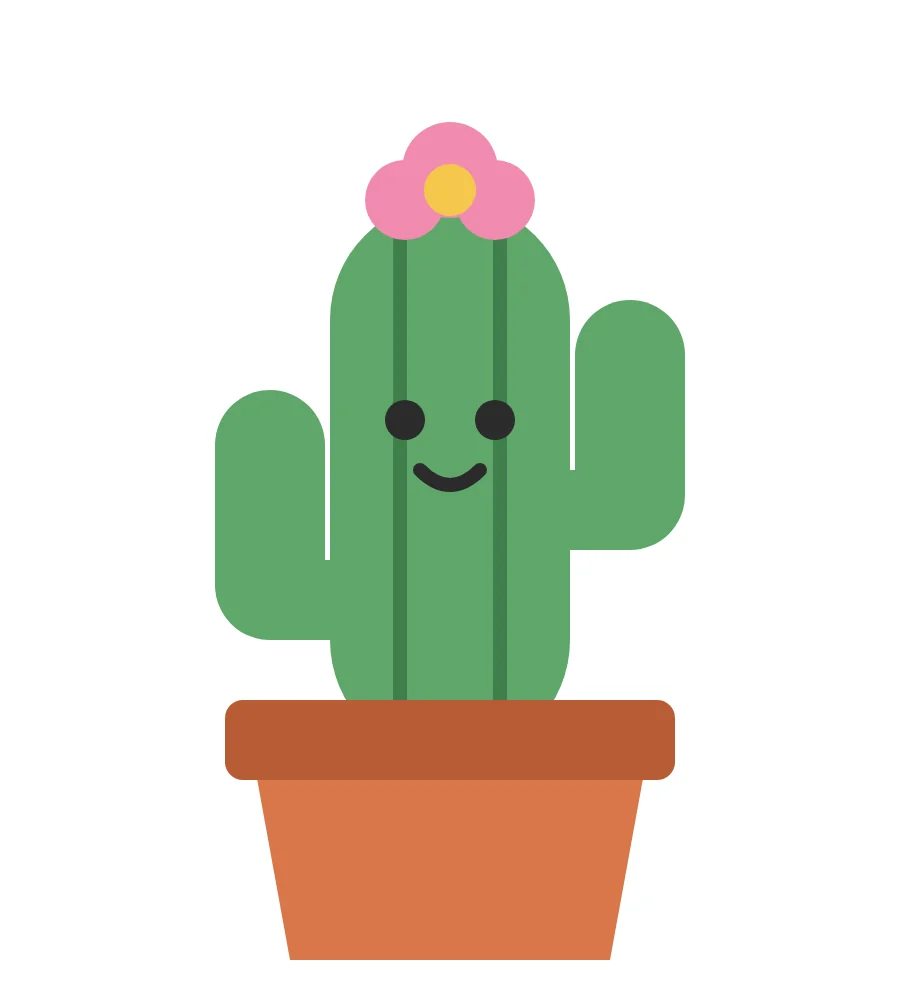
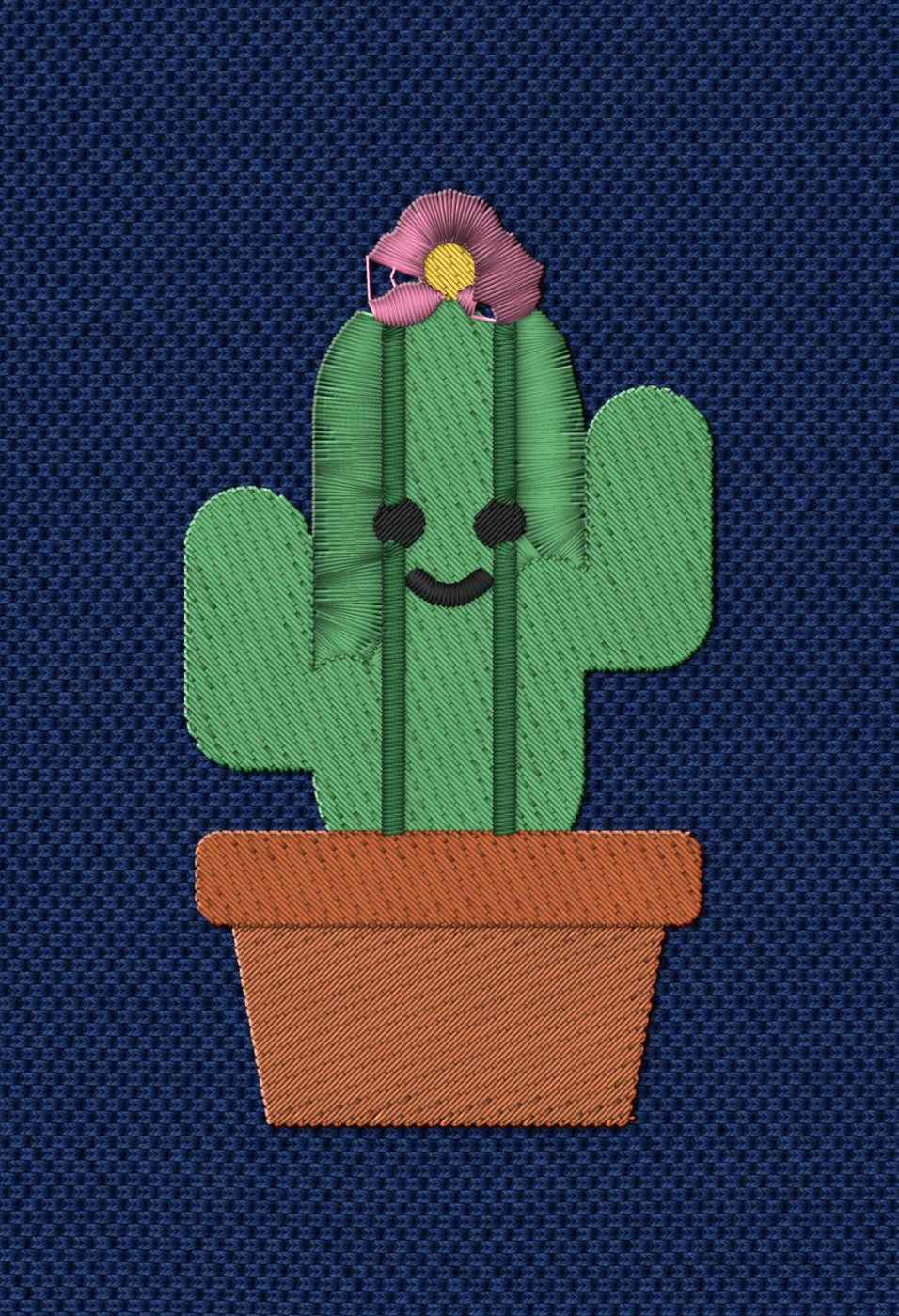
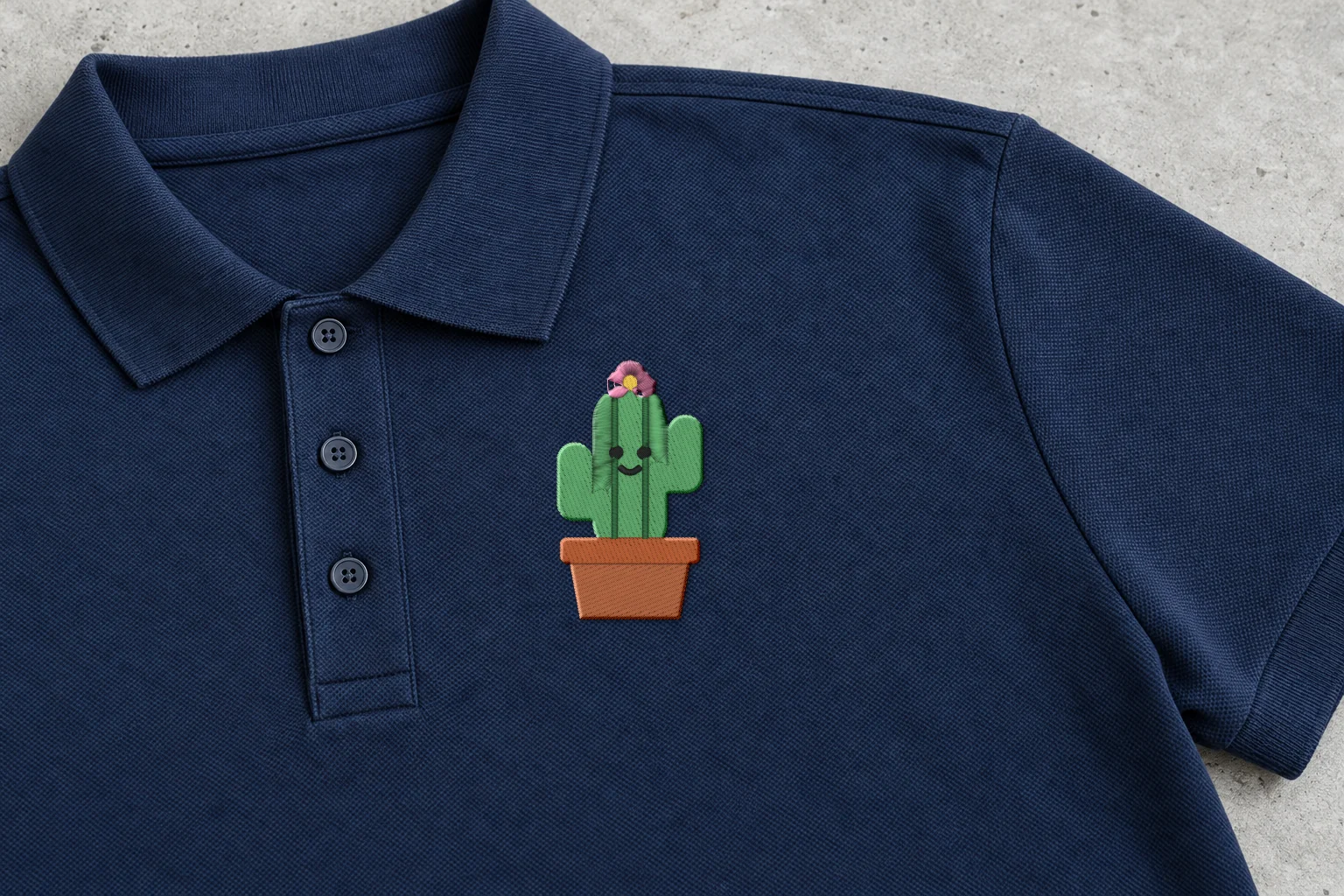
Rendered preview from the stitch file. Not a photo. Cactus · Classic · 50 × 90 mm
4,625 stitches · 7 threads · ~9 min · Polo, left chest
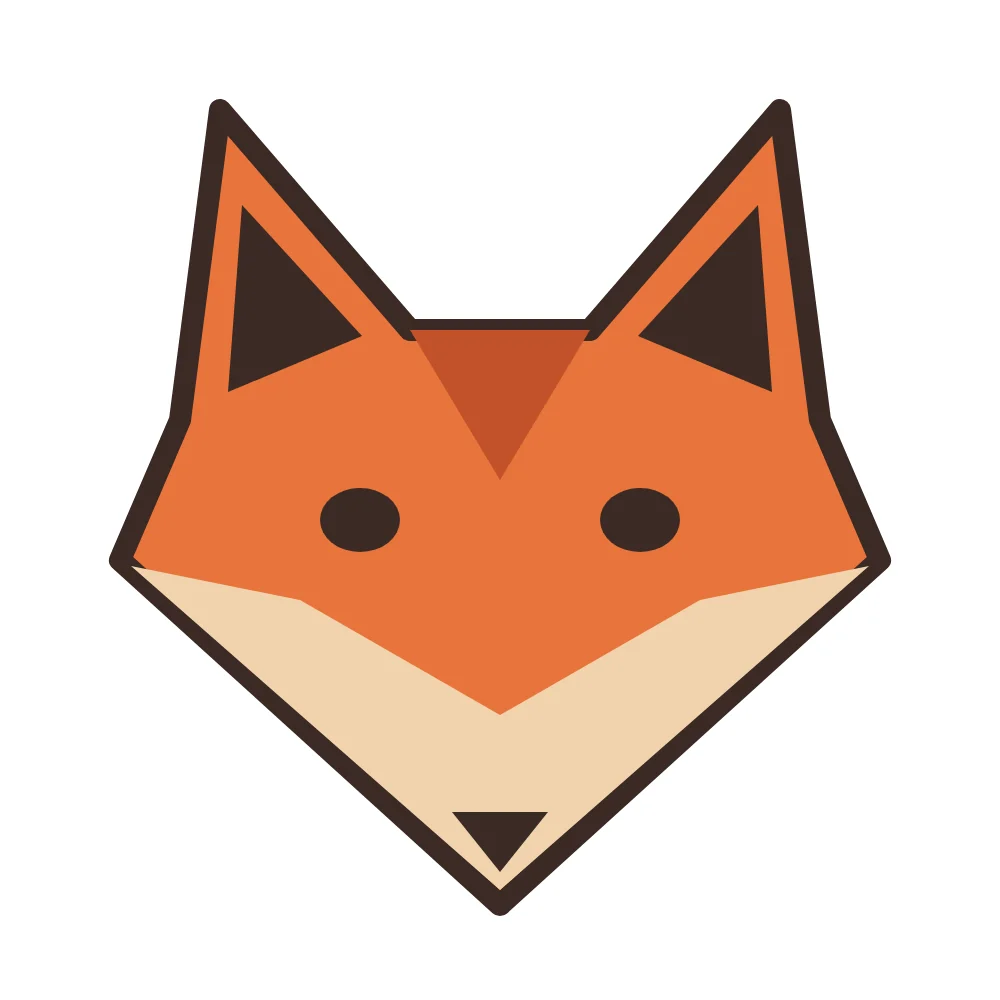
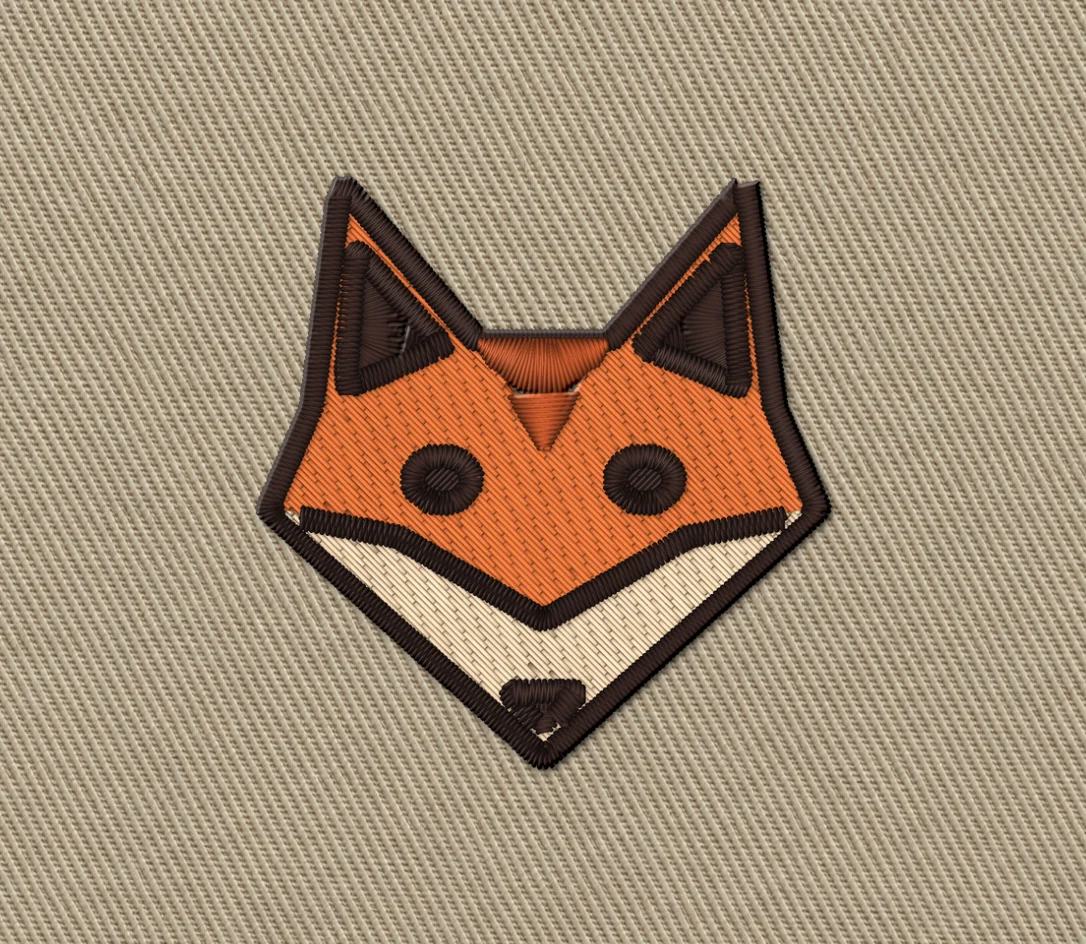
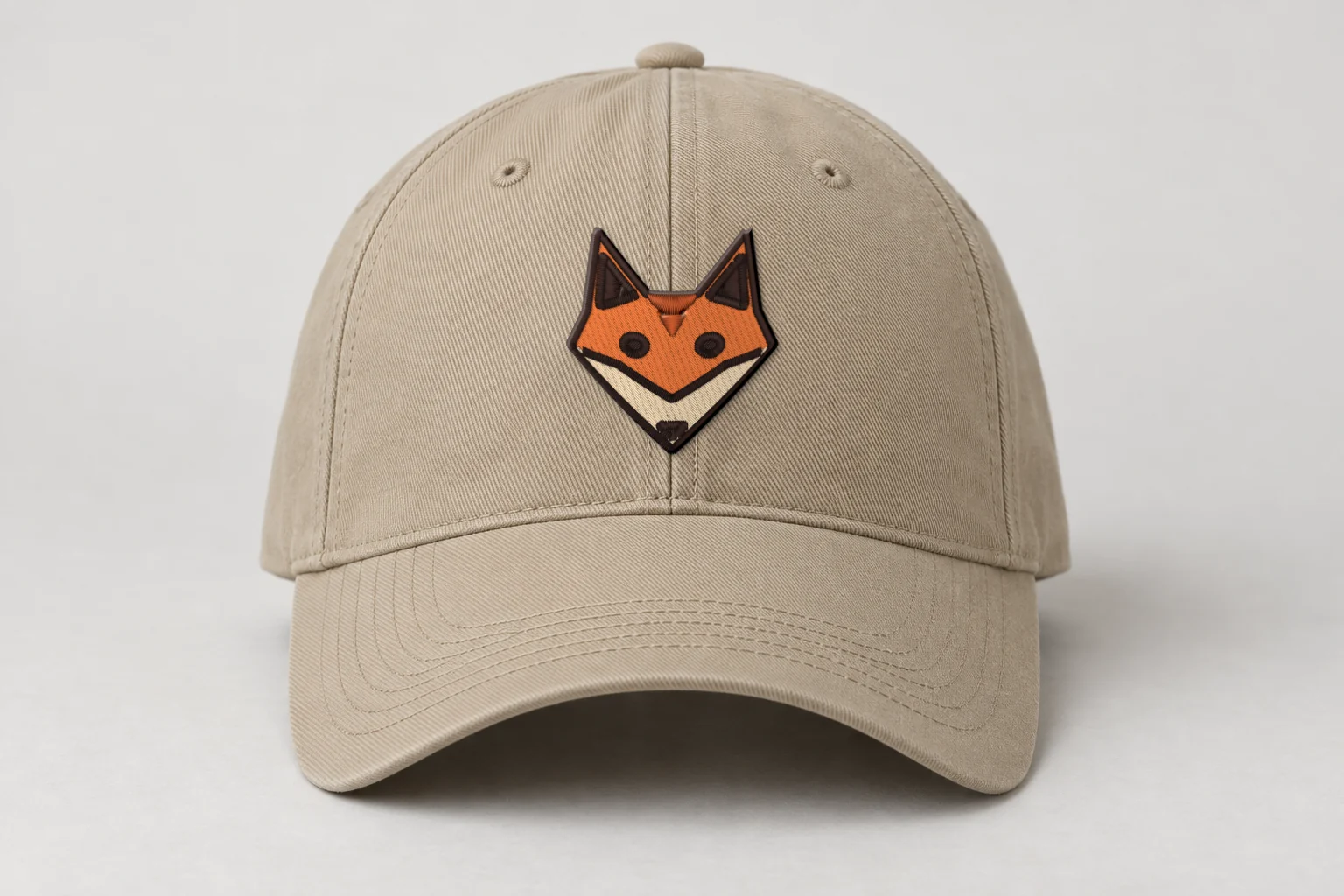
Rendered preview from the stitch file. Not a photo. Fox mascot · Bold Outline · 48 × 50 mm
3,773 stitches · 4 threads · ~7 min · Cap front
A render shows exactly what's in the stitch file. Fabric, stabilizer and your machine still shape the final result, so always run a test stitch first.
These artworks are our own fictional designs, not customer work.
VP3 file questions
Which machines read VP3 files?
Husqvarna Viking and Pfaff embroidery machines read VP3 files.
Does a VP3 file store colors?
Yes. A VP3 file from Stitch and Threads stores the exact colors of the design.
Can I download VP3 and PES of the same design?
Yes. Downloading the same design again, in any style or format, is free.
Do I need software to open a VP3 from Stitch and Threads?
No software is needed to make it. Download the VP3 and load it on your machine the way you usually load designs.
Your AI digitizer
Drop your art. Download VP3.
Try 5 designs free · Free account, no card.
Drop your artwork