For home embroiderers
Embroidery files for home embroiderers, no software to learn
Stitch and Threads turns your art into a file your home embroidery machine reads, right in the browser on a Mac, PC, iPad or phone. There's no software to install or learn. Create a free account and get 5 free designs. No card needed.
Last updated · The Stitch and Threads team
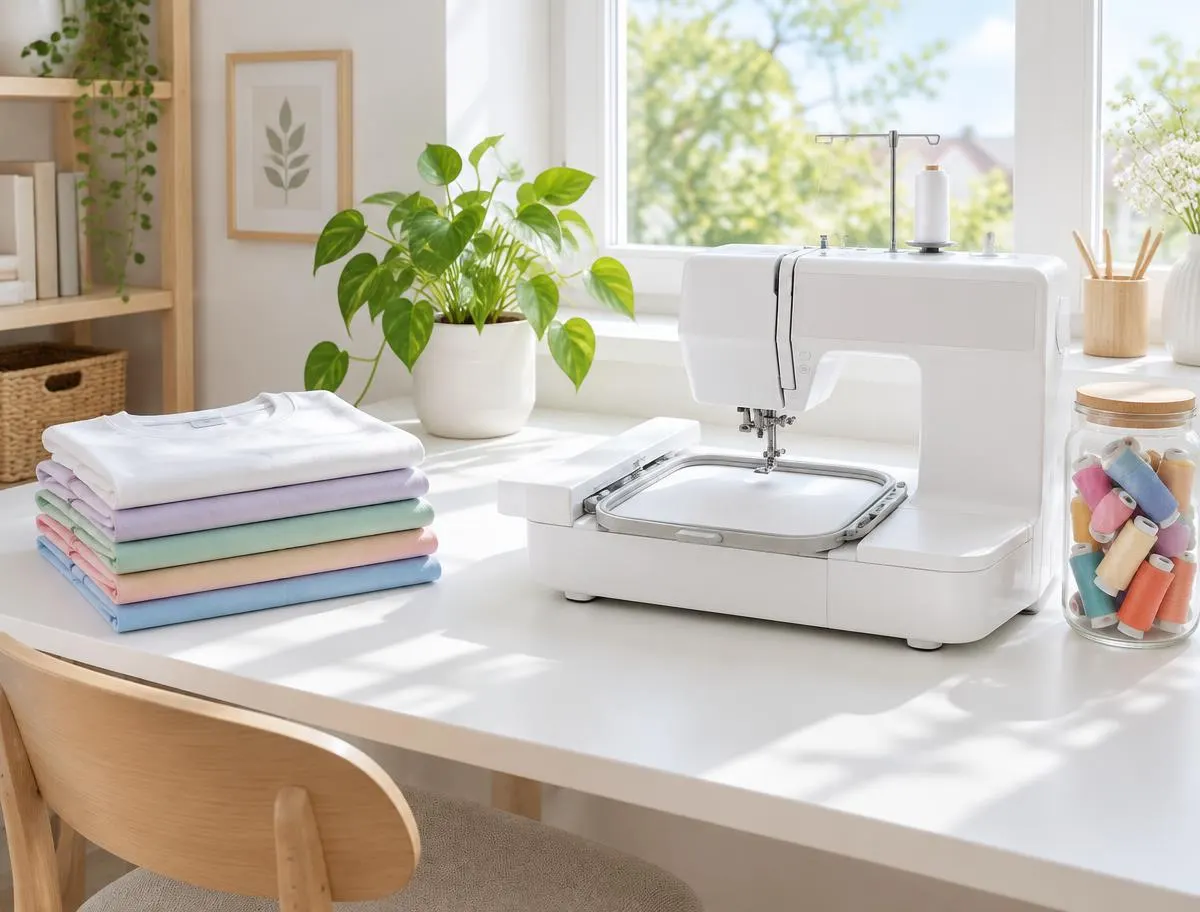
Real results, on real products
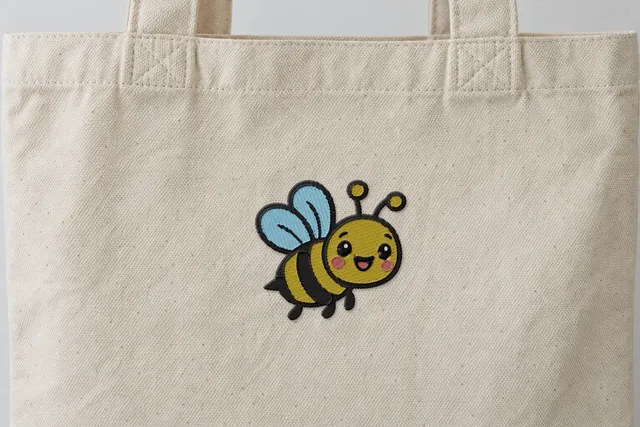 Sample
Happy bee
Soft & Light
4,567 stitches · 5 threads · 90 mm wide
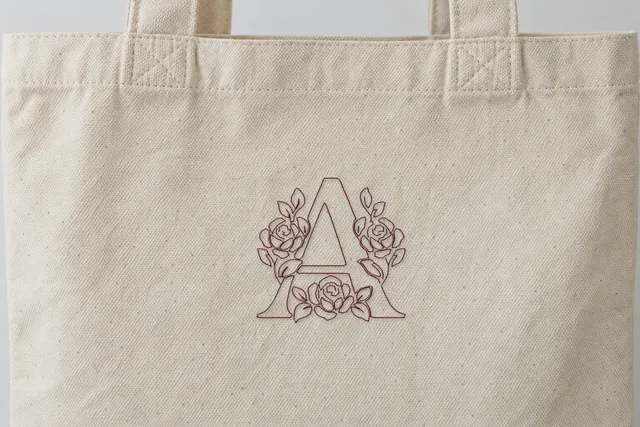 Sample
Rose monogram
Line Art
2,240 stitches · 1 thread · 89 mm wide
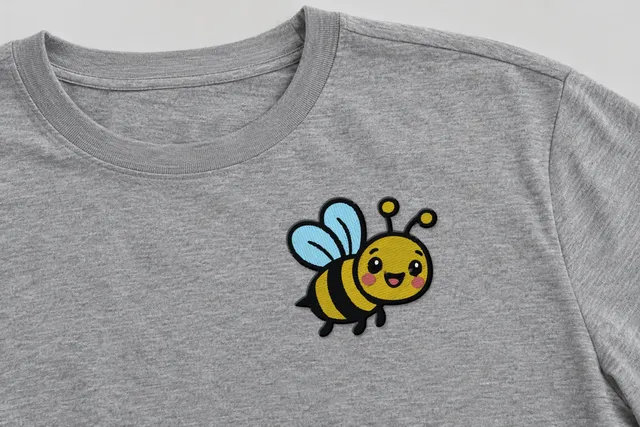 Sample
Happy bee
Classic
7,961 stitches · 5 threads · 90 mm wide
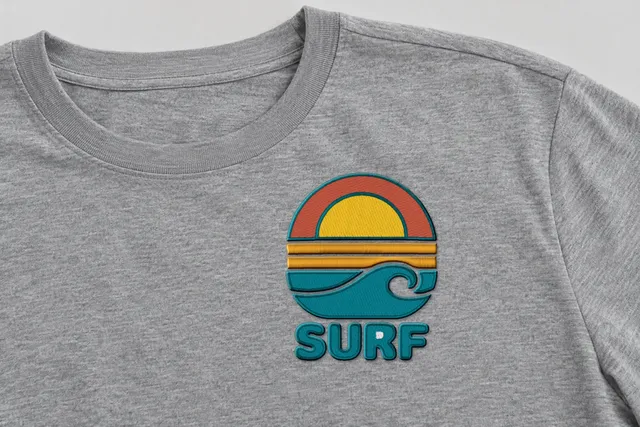 Sample
Surf sunset badge
Bold Outline
14,105 stitches · 5 threads · 90 mm wide
Mockup: our rendered stitches on a product photo, at true size. Sample designs, not customer work.
Why it's simple
Can I make embroidery files without software?
No software to learn
No installs, no menus of settings. Upload a picture, pick a style, download.
Mac and iPad, in the browser
It works in the browser on Mac, PC, iPad and phones.
Your machine's format
PES for Brother and Baby Lock, JEF for Janome, EXP for Bernina, VP3 for Husqvarna Viking and Pfaff, XXX for Singer.
Free to start
Create a free account to digitize your art. Every account gets 5 free designs, no card.
5 free designs
Every account gets 5 free designs, with no card. Re-downloads and new sizes are free.
Plain words
Each style says what it does and when to pick it. No jargon you have to look up first.
Your machine
Which file does my home machine need?
Pick your machine brand.
Your format appears here.
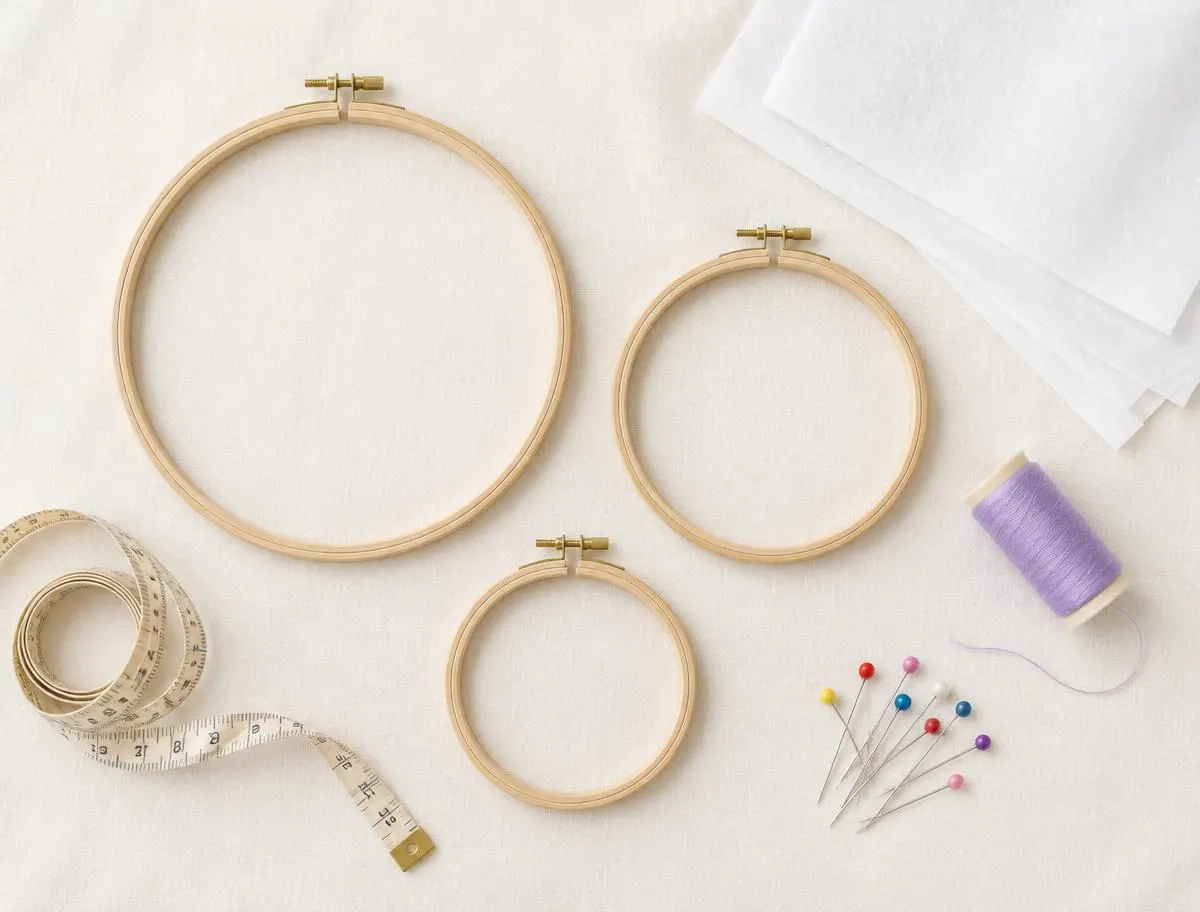
Fit the hoop
What size should my design be?
| Inches | Millimetres |
|---|---|
| 4×4 | 100×100 |
| 5×7 | 130×180 |
| 6×10 | 160×260 |
Before you upload
What pictures work best?
Works best
- Logos
- Lettering
- Clip art
- Line drawings
- The biggest, cleanest image you have
PNG or JPG, up to 25 MB.
Take care with
- Photos: experimental in the Beta
- Tiny text: capital letters about 5 mm (0.2 in) tall are a common minimum
- Soft gradients and shading: embroidery uses solid thread colors
Examples
What can I make for my own projects?
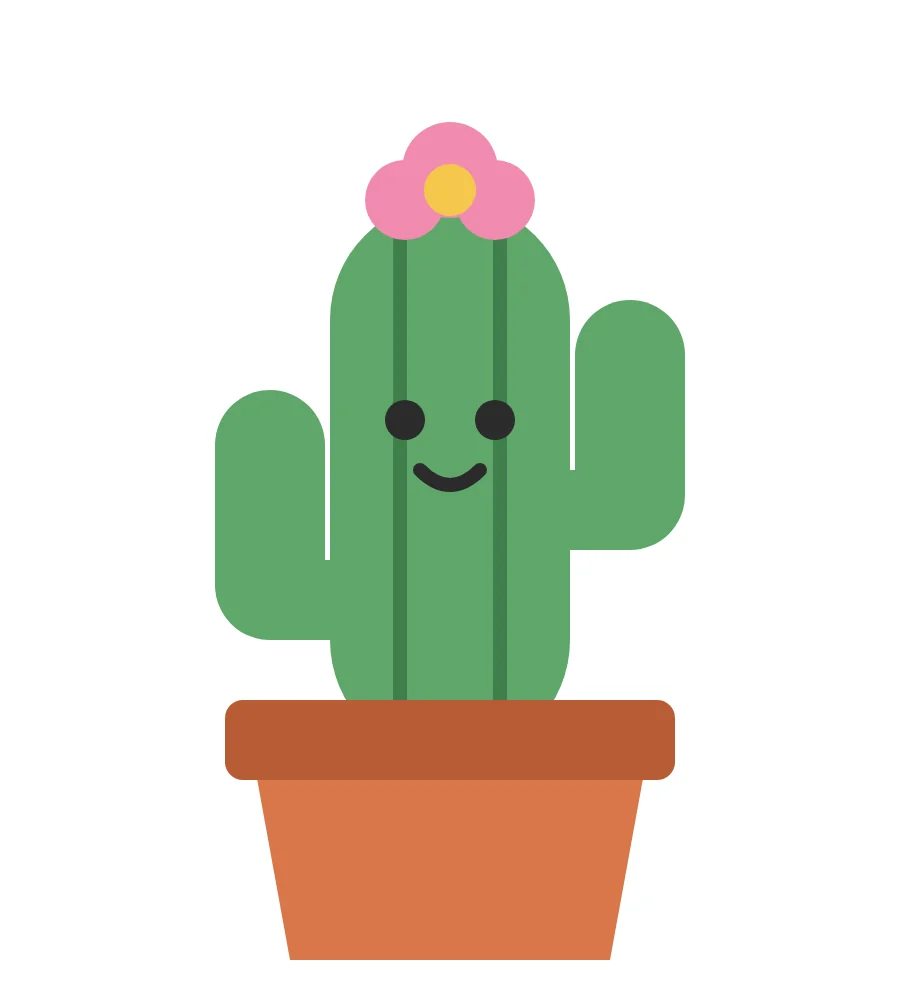
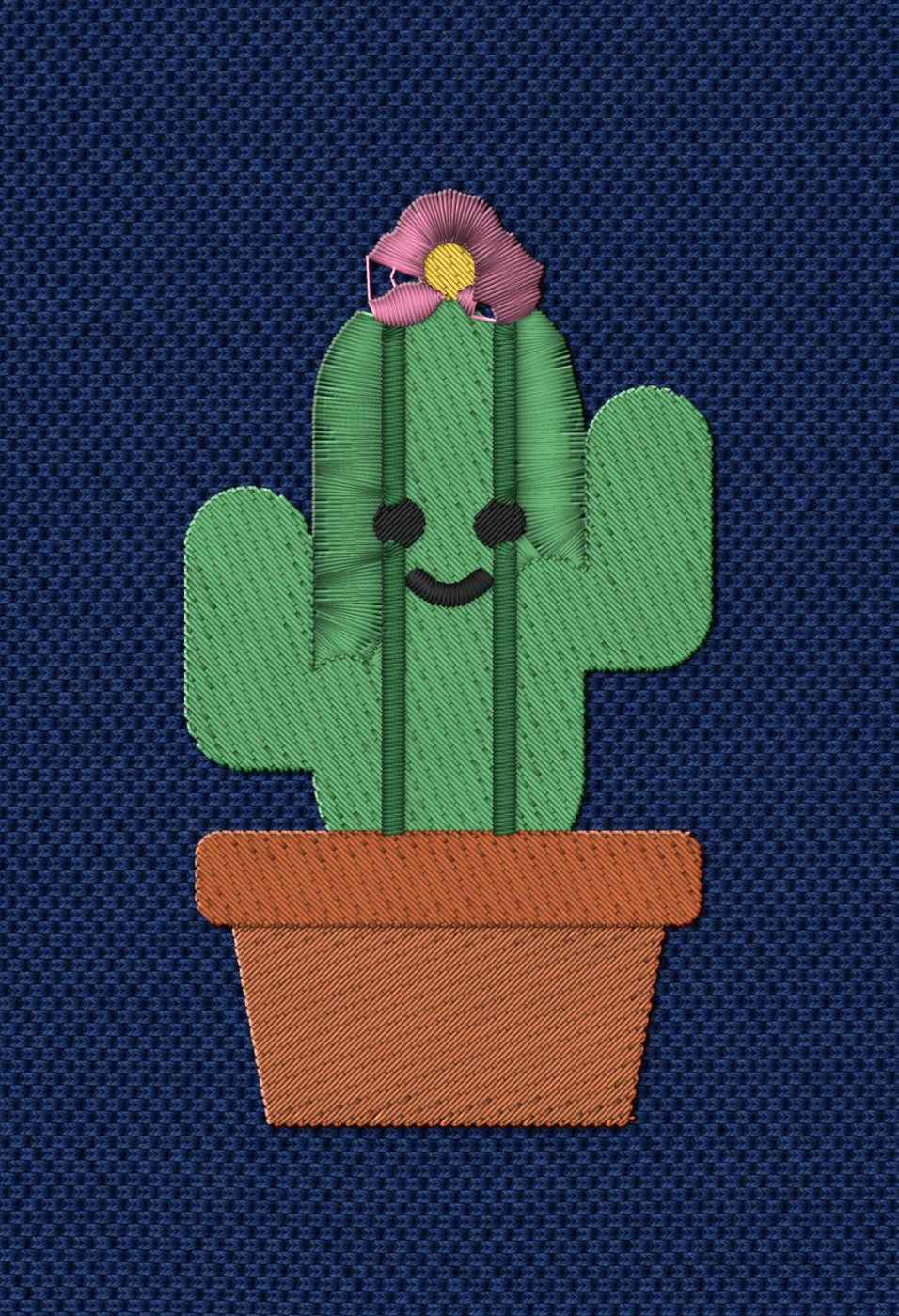
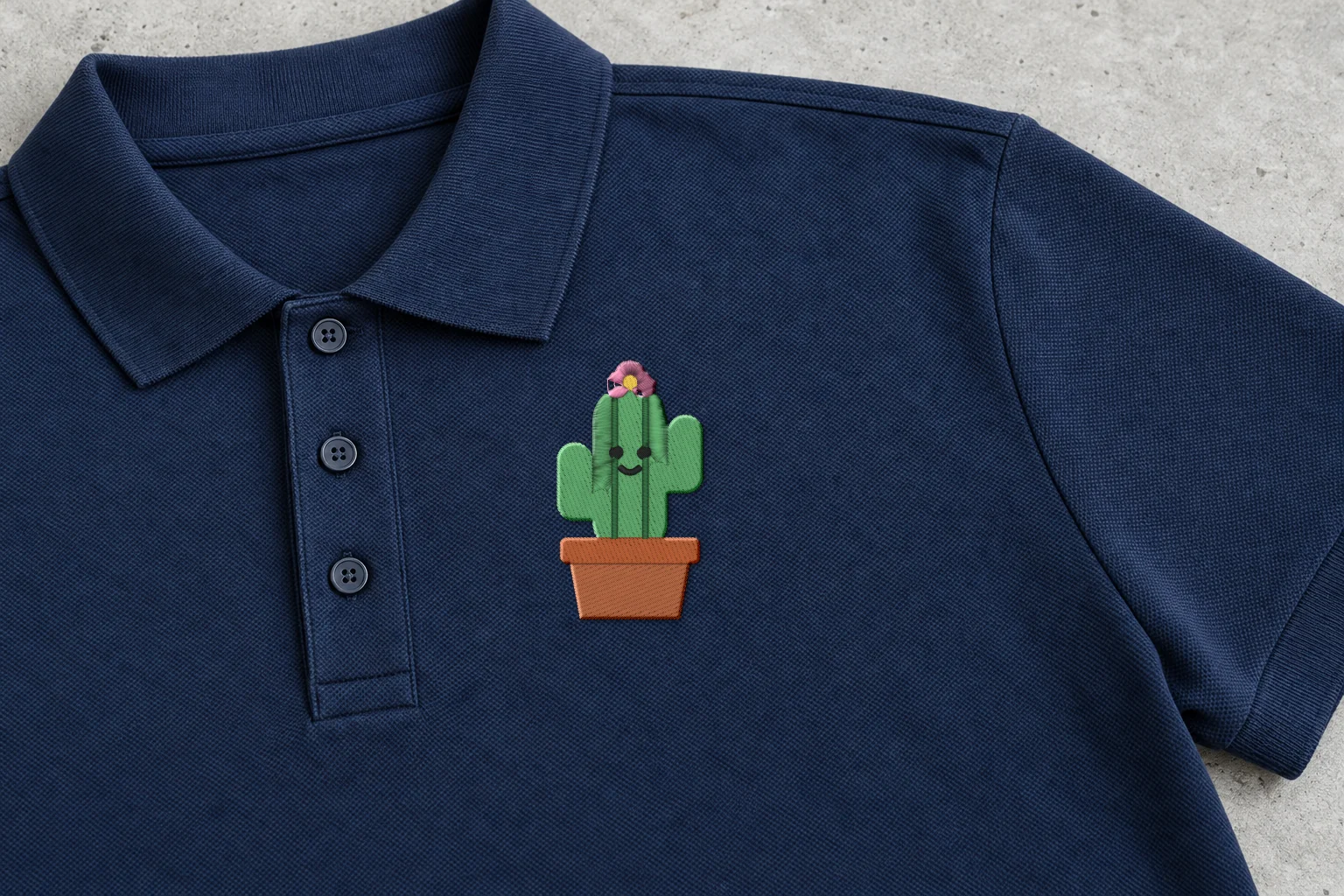
Rendered preview from the stitch file. Not a photo. Cactus · Classic · 50 × 90 mm
4,625 stitches · 7 threads · ~9 min · Polo, left chest
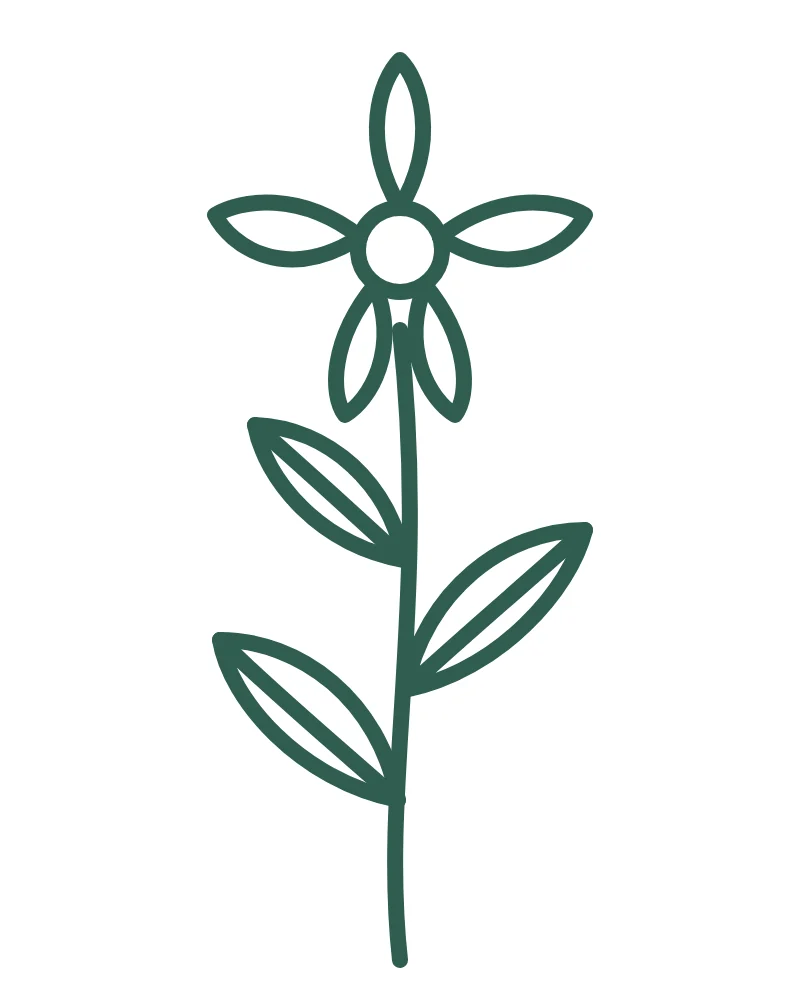
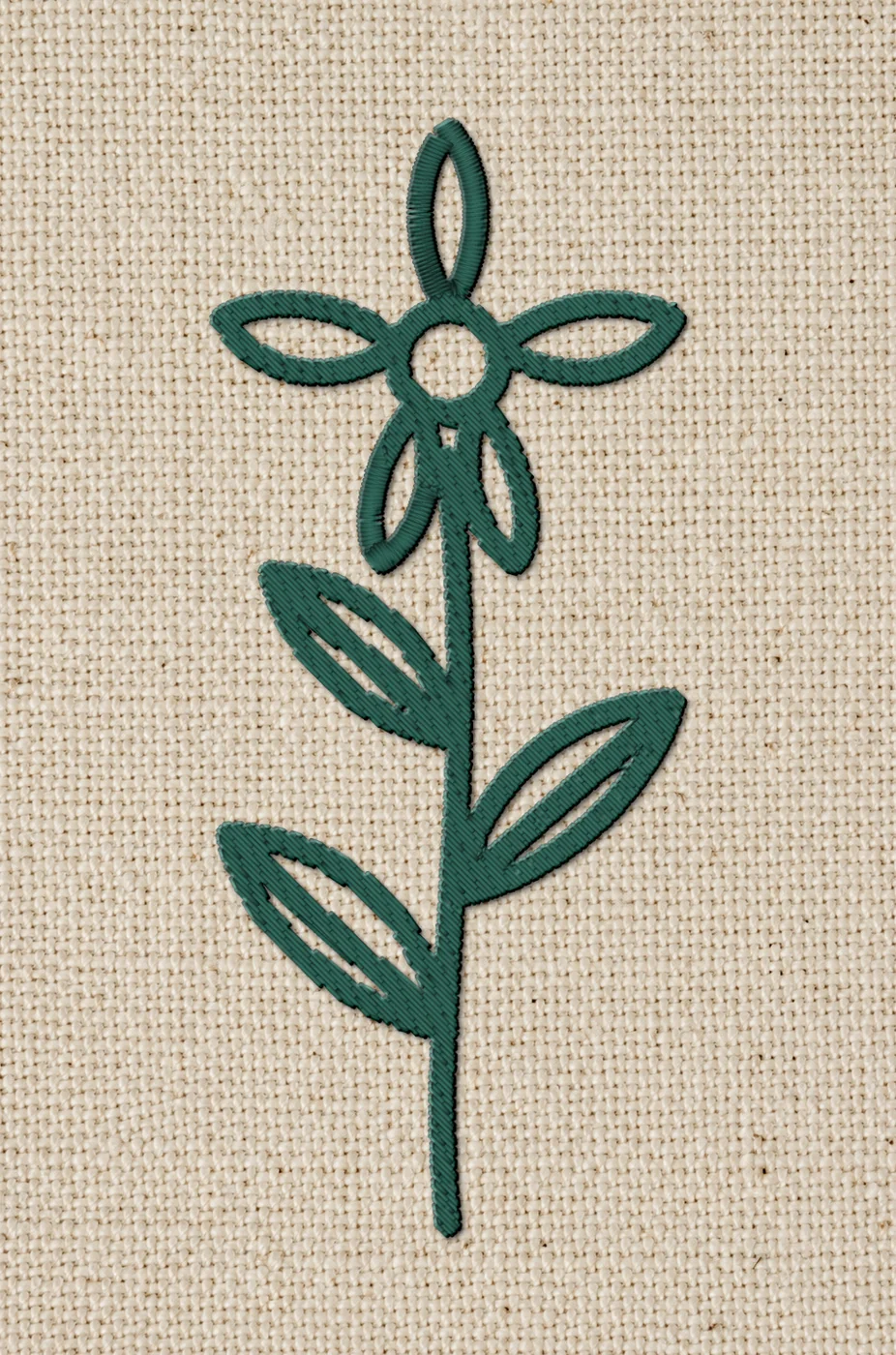
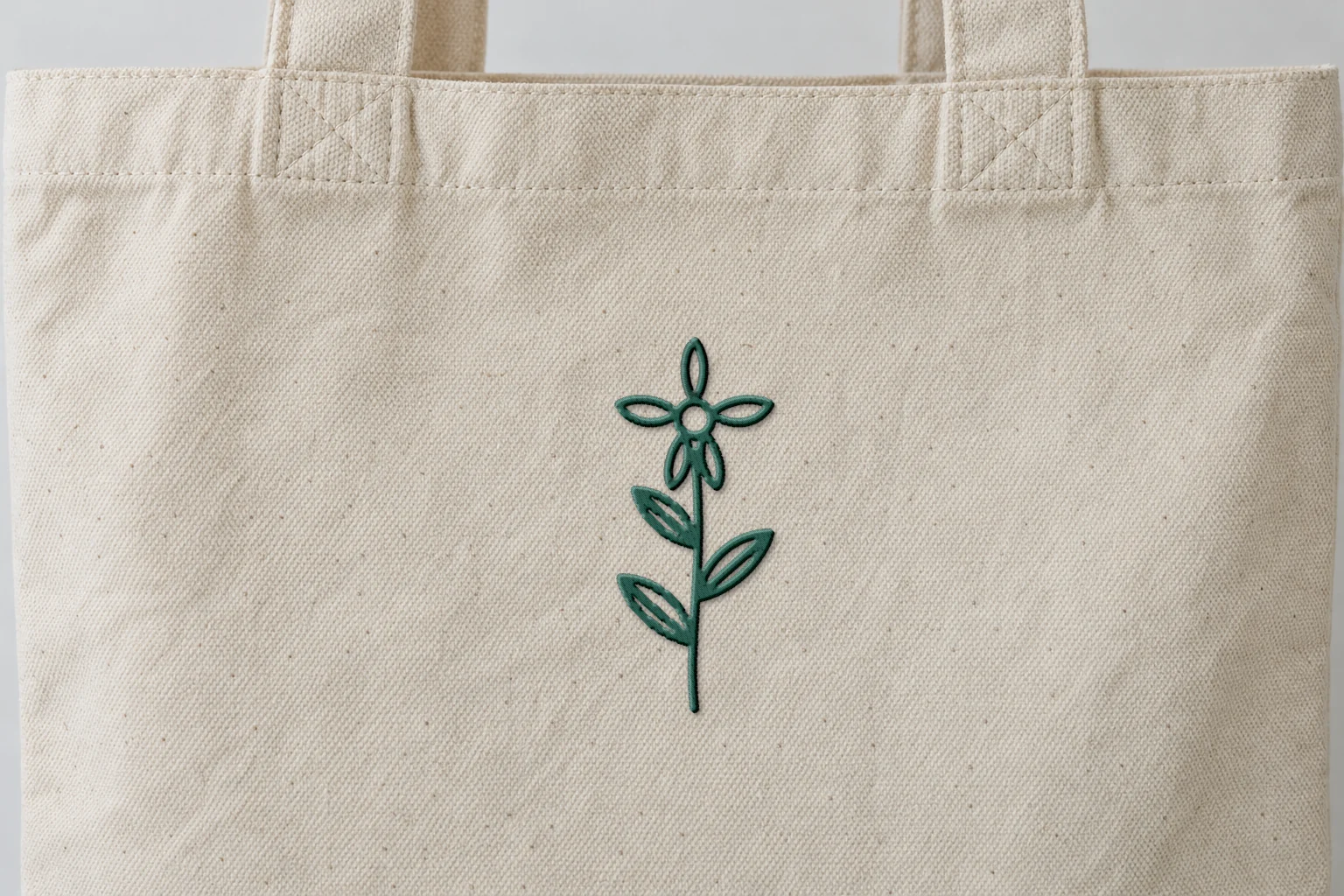
Rendered preview from the stitch file. Not a photo. Botanical sprig · Classic · 45 × 107 mm
2,468 stitches · 1 thread · ~5 min · Tote
A render shows exactly what's in the stitch file. Fabric, stabilizer and your machine still shape the final result, so always run a test stitch first.
These artworks are our own fictional designs, not customer work.
Questions people ask
Does it work on Mac, iPad and phones?
Yes. Stitch and Threads works in the browser on Mac, PC, iPad and phones. There is nothing to install.
Will the file fit my hoop?
Choose a width that fits your hoop. Common home hoops are about 4×4 in (100×100 mm), 5×7 in (130×180 mm) and 6×10 in (160×260 mm). Check your machine's manual.
What kind of art works best?
Logos, lettering, clip art and line drawings. Upload the biggest, cleanest image you have. Photos work too, but they're experimental in the Beta.
Which format does my machine need?
DST for most commercial machines (Tajima, Melco), PES for Brother and Baby Lock, JEF for Janome and Elna, EXP for BERNINA and Melco, VP3 for Husqvarna Viking and PFAFF, and XXX for Singer.
Your AI digitizer
Try it now. Free account, no card.
PNG or JPG, up to 25 MB. Free account · 5 free designs, no card.
Drop your artwork