.jef file
What is a JEF embroidery file?
A JEF file is the embroidery file that Janome machines read. It holds the stitches, the jumps and trims, and the color stops. In a JEF file from Stitch and Threads, each color is the nearest match from Janome's thread chart, so the machine can show a color for each step.
Last updated · The Stitch and Threads team
File format
JEF
- The format these machines read
- Janome
- Thread colors in our file
- Nearest chart color
- Every JEF file holds
- Stitches · jumps and trims · color stops
Real results, on real products
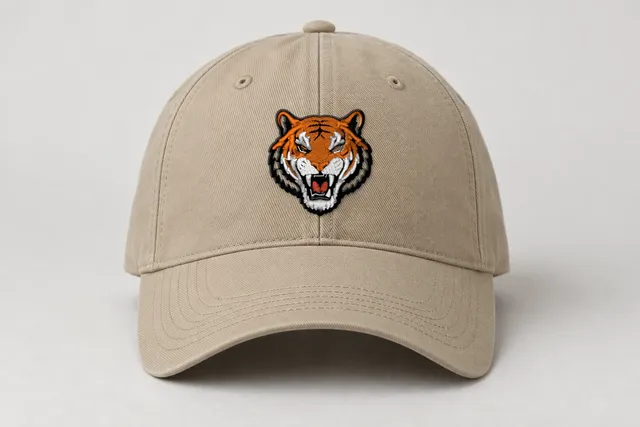 Sample
Tiger mascot
Classic
9,273 stitches · 5 threads · 50 mm wide
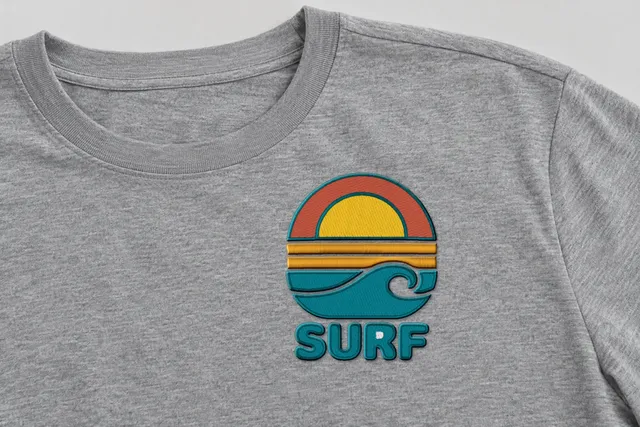 Sample
Surf sunset badge
Bold Outline
14,105 stitches · 5 threads · 90 mm wide
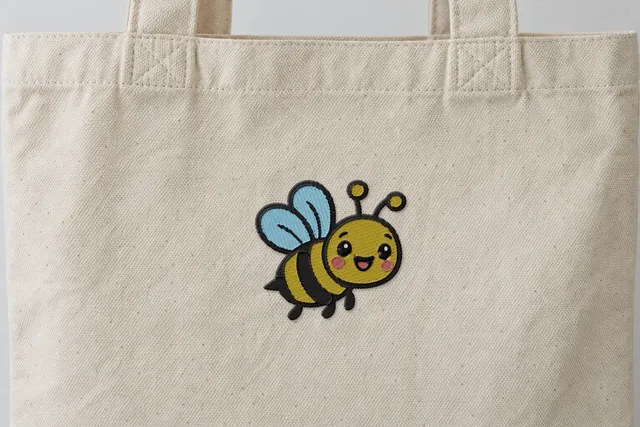 Sample
Happy bee
Soft & Light
4,567 stitches · 5 threads · 90 mm wide
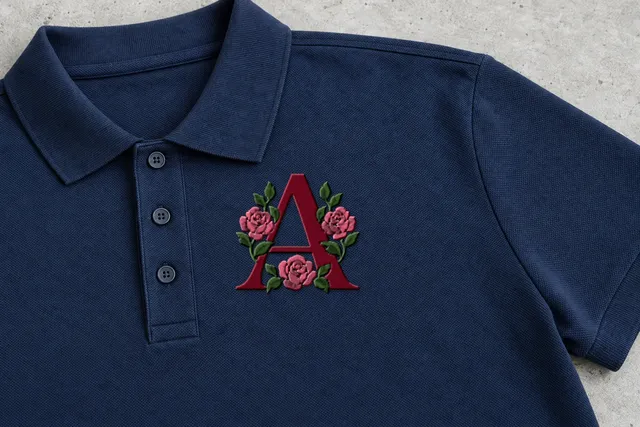 Sample
Rose monogram
Classic
7,515 stitches · 3 threads · 90 mm wide
Mockup: our rendered stitches on a product photo, at true size. Sample designs, not customer work.
Which machines use JEF files?
JEF is the format Janome embroidery machines read. If you sew on a Janome, this is the file to download.
Janome owners often sew names, pets and gifts at home. A JEF file lets the machine stop at each color change and show you which thread comes next.
Brand names only show which machines read each format. Check your machine's manual for the formats it reads.
What's inside a JEF file?
A JEF file holds the same three things as every embroidery file: the stitches, the jumps and trims, and the color stops.
In the JEF files we make, each color stop carries the nearest color from Janome's thread chart. It's the closest chart color to your art, not always the exact shade.
If your art has a color that sits between two chart colors, the file uses the nearer one. You can always load a different spool if you prefer.
Thread colors in our JEF file: The nearest color from Janome's thread chart.
- StitchesEach needle move, as a short step from the last one.
- Jumps and trimsWhere the needle travels without sewing, and where the thread is cut.
- Color stopsWhere the machine pauses or changes needle.
- ColorsNearest chart color
How do I turn my art into a JEF file?
- 01
Upload your art
A PNG or JPG, up to 25 MB. Logos, lettering, clip art and line drawings work best.
- 02
Pick a style and size
See it stitched in 4 styles, for most designs in about a minute. Choose a width from 10 to 400 mm.
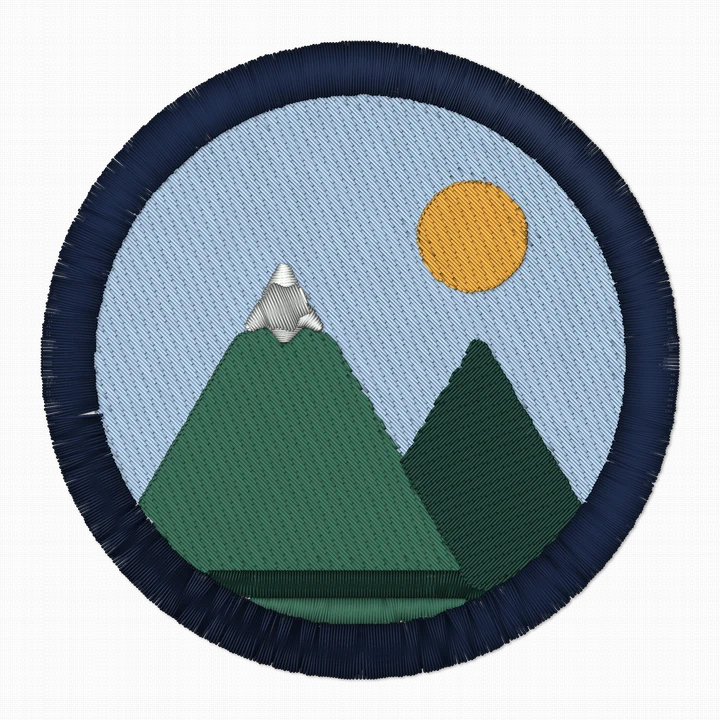
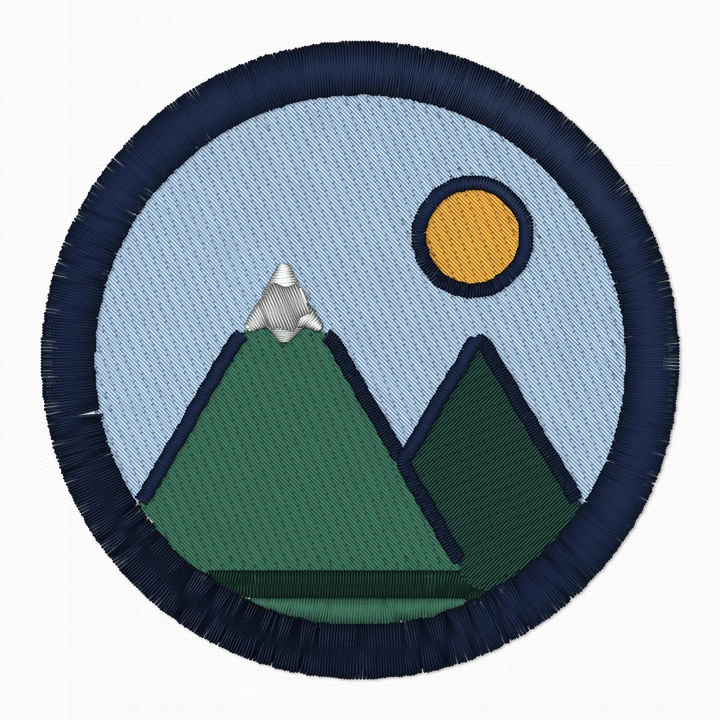
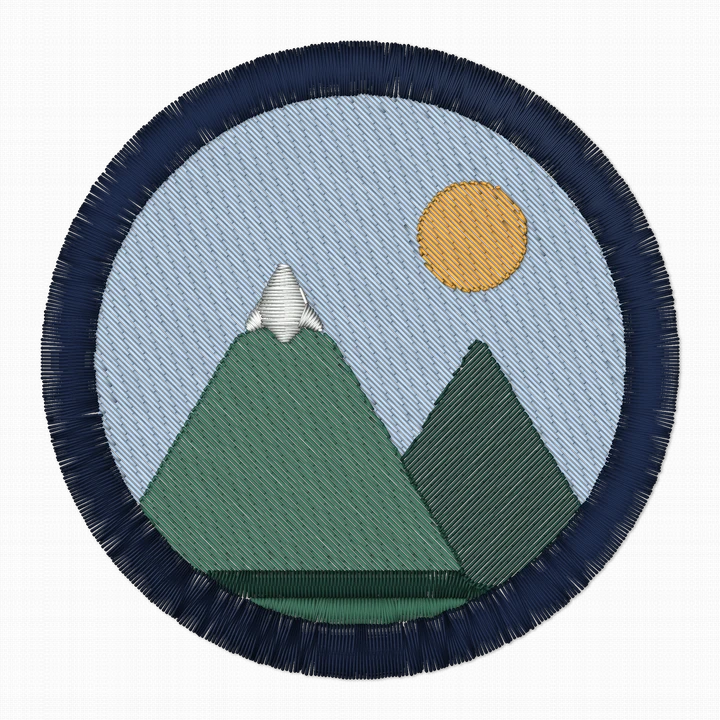
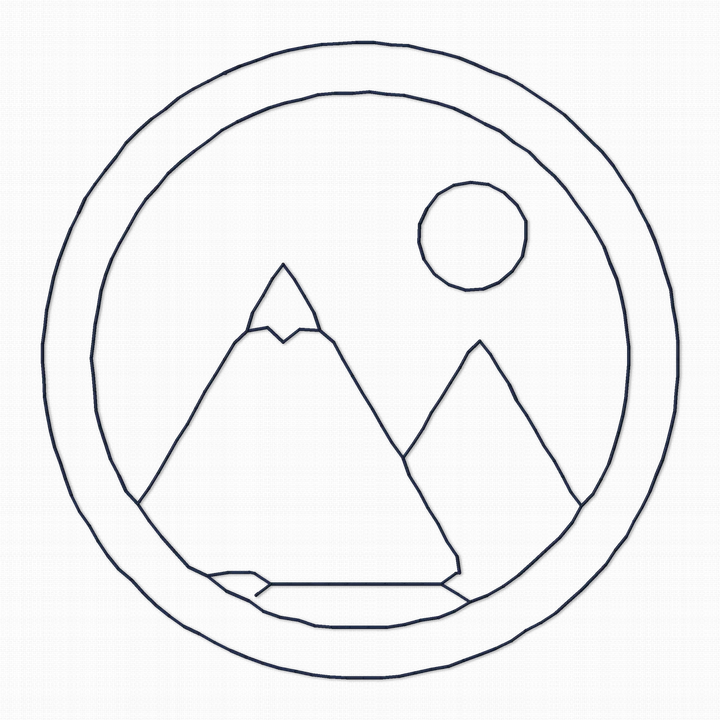 Sample
 - 03
Download JEF
Pick a style. Downloading uses one of your 5 free designs.
Tips for sewing JEF files
Match your spools to the chart color.
The color on the screen is Janome's nearest chart color. If your threads are another brand, choose the closest spool by eye.
Mind small lettering.
Capital letters about 5 mm (0.2 in) tall are a common minimum for clean lettering. Smaller text often needs special fonts or thinner thread.
Size for your hoop first.
Pick a width that fits your hoop. Common home hoops are about 100×100 mm, 130×180 mm and 160×260 mm. Check your machine's manual.
Line Art for a light touch.
Line Art is outlines only, sewn as a triple run. It's quick to sew and gives a light, hand-drawn look.
What does a design look like before you save it as JEF?
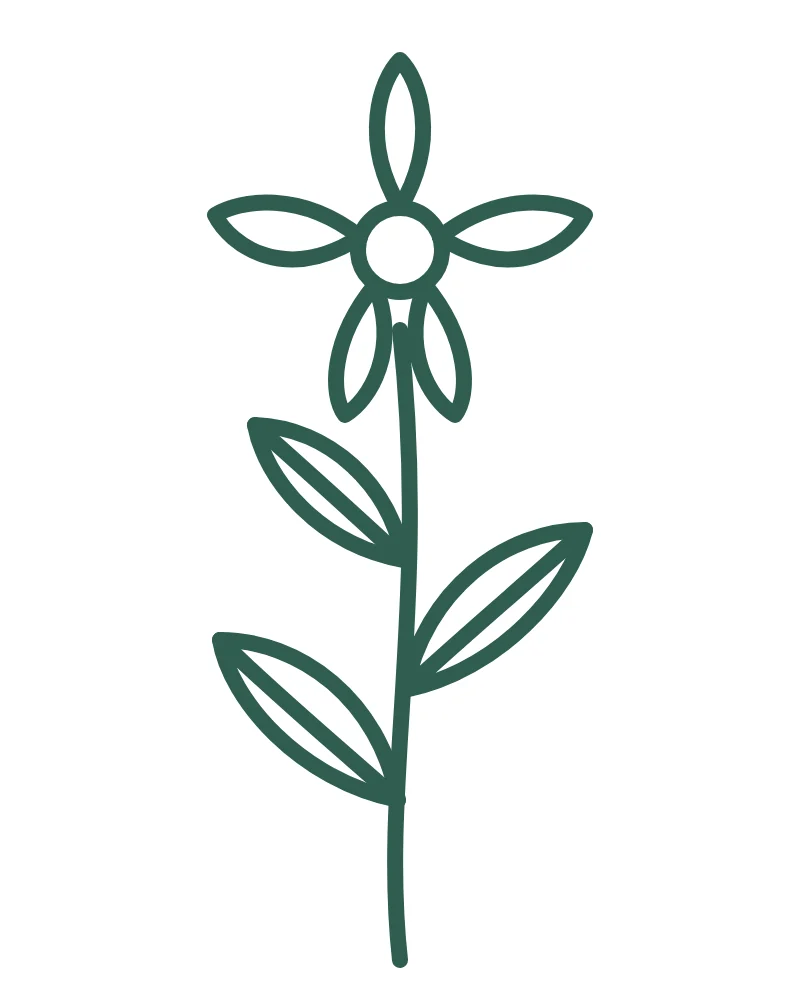
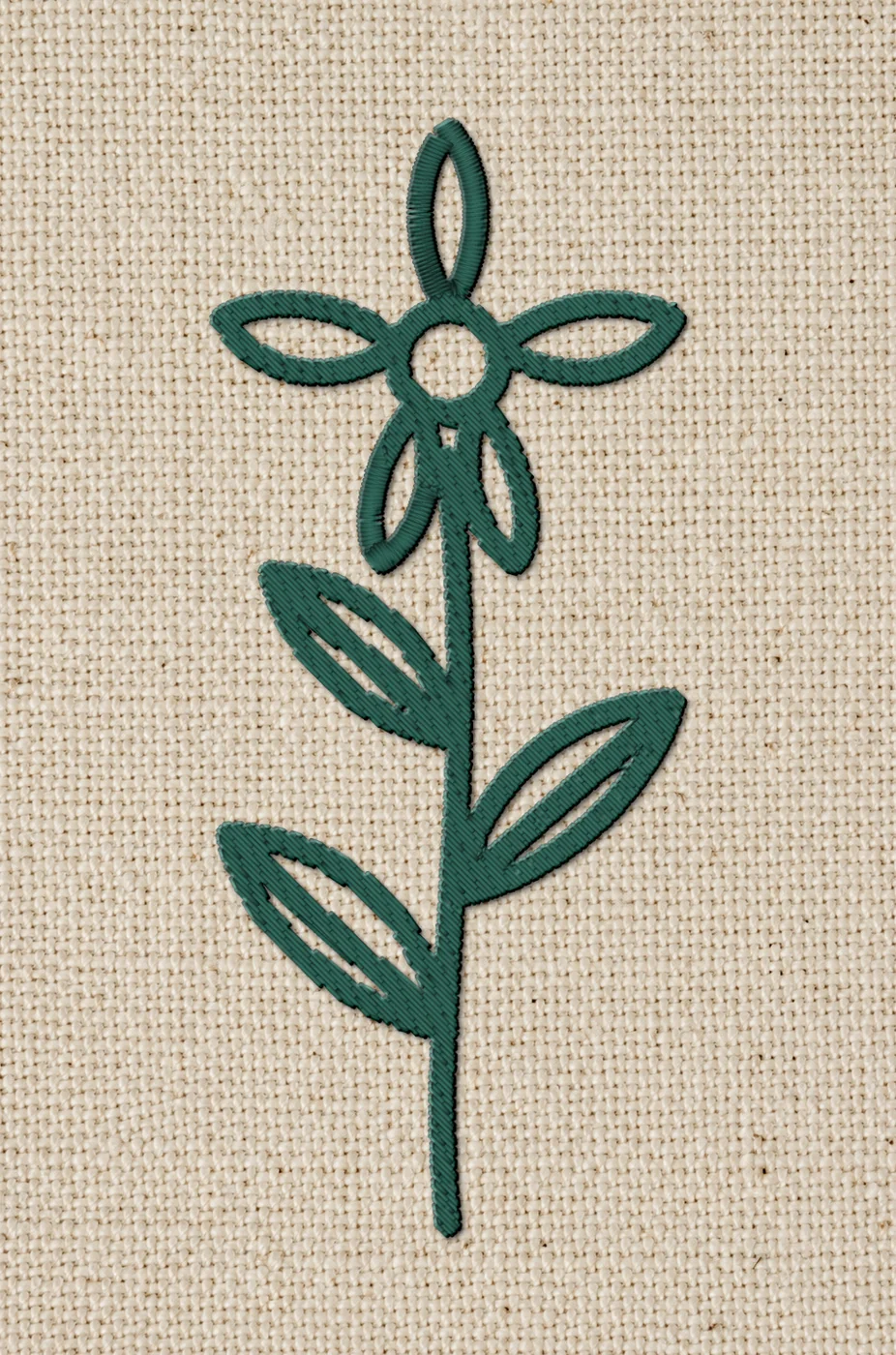
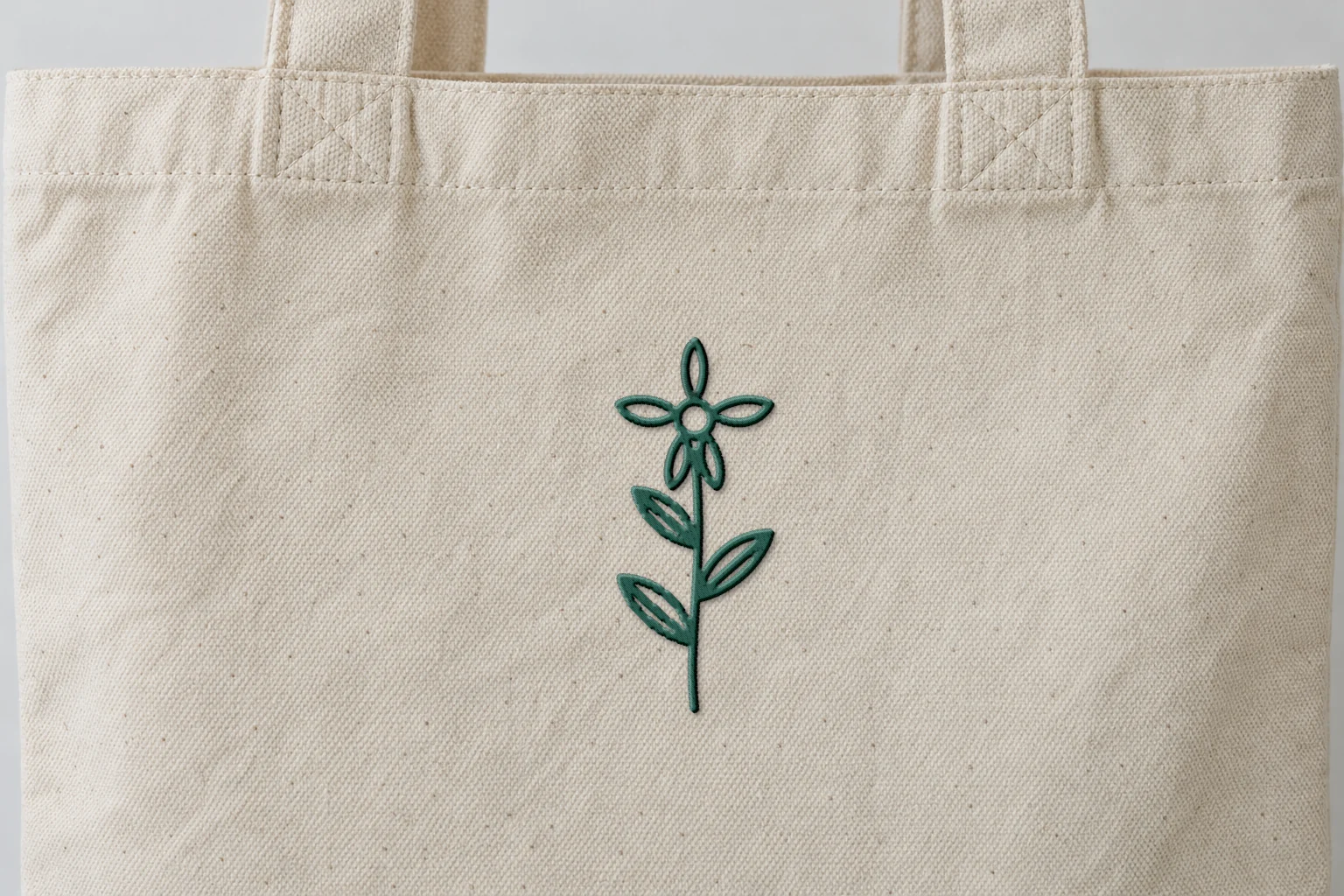
Rendered preview from the stitch file. Not a photo. Botanical sprig · Classic · 45 × 107 mm
2,468 stitches · 1 thread · ~5 min · Tote
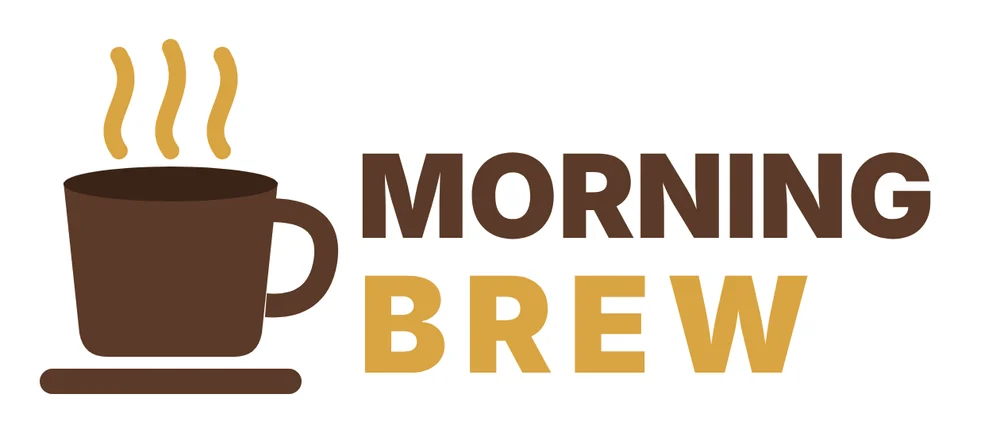
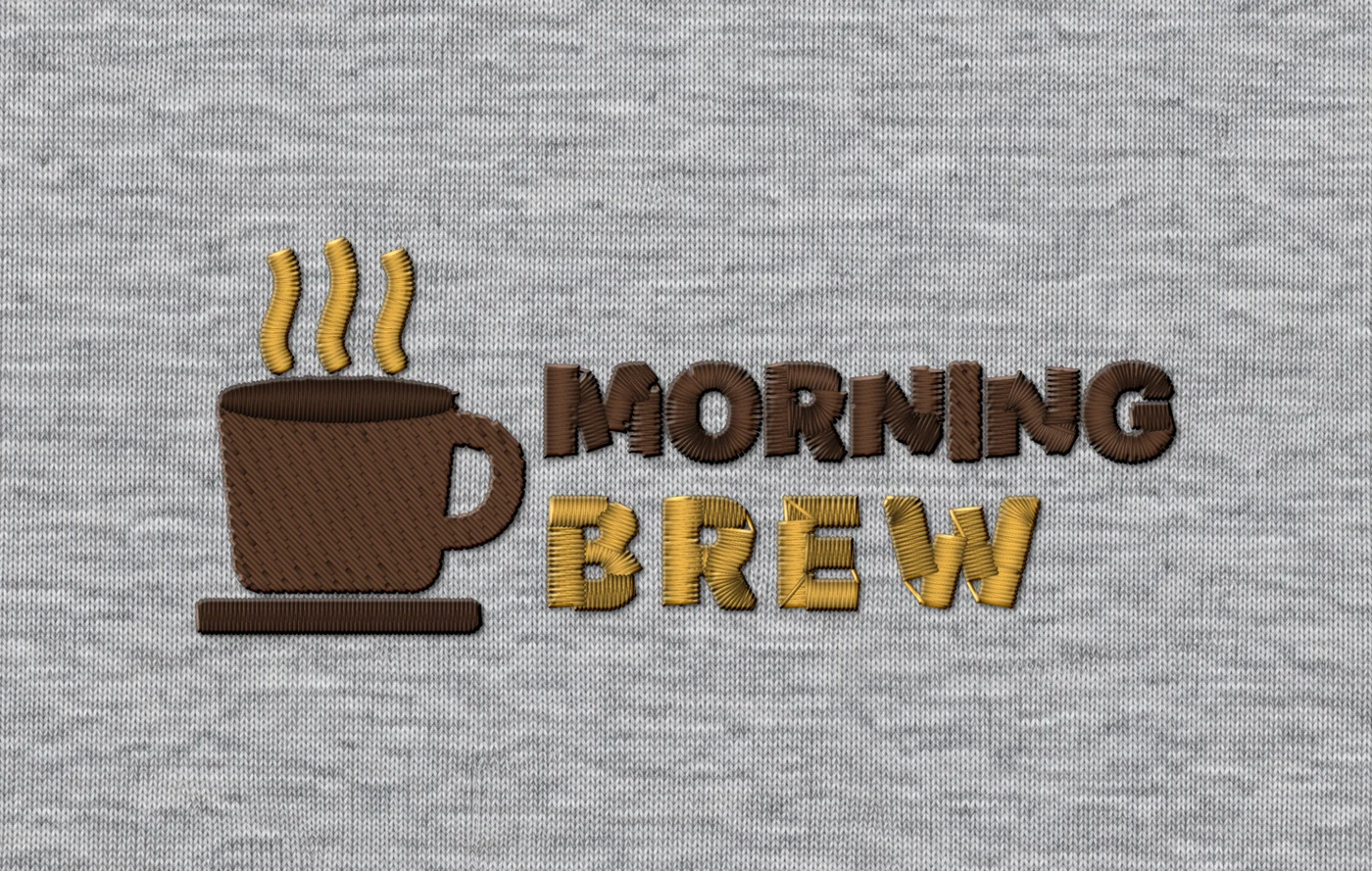
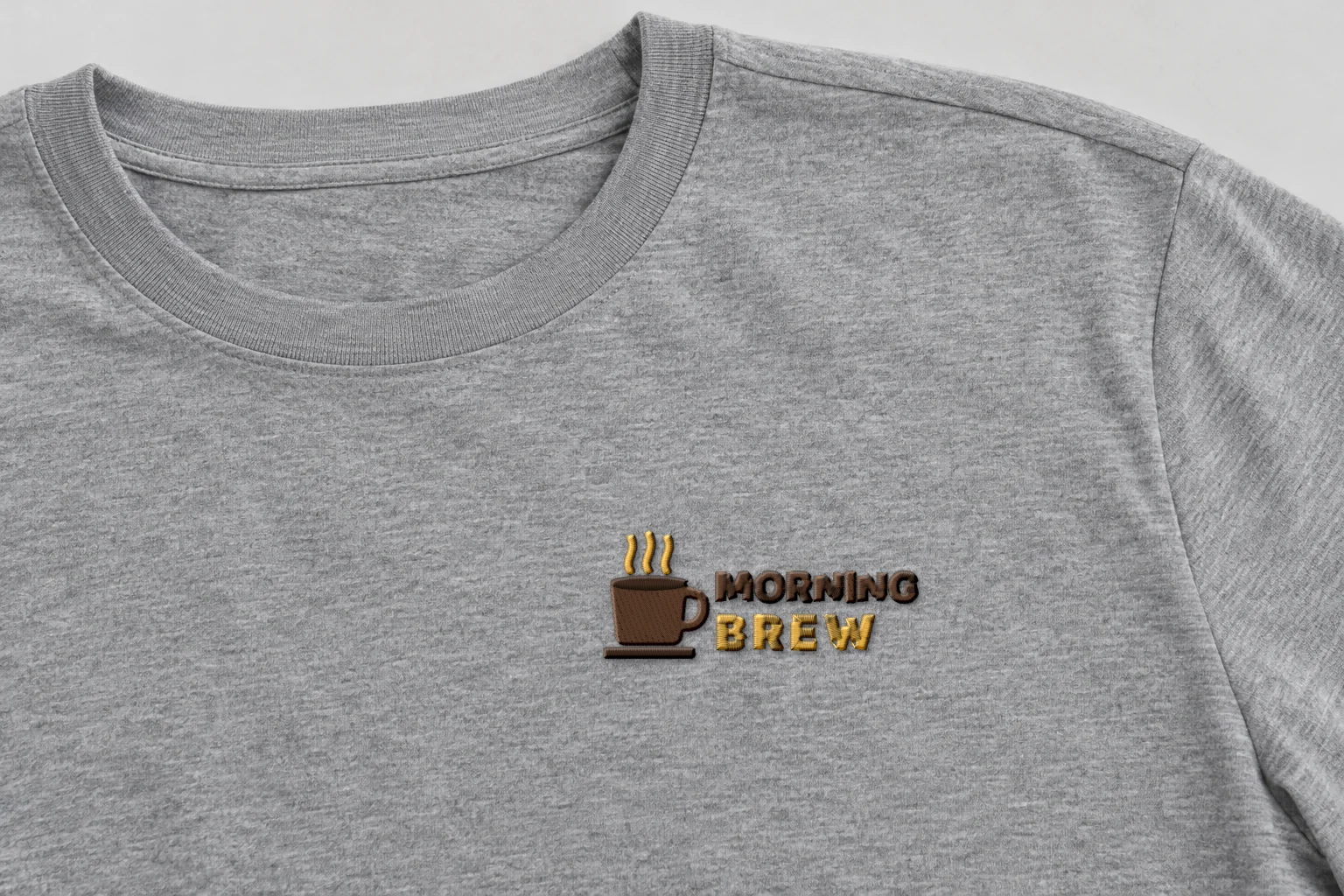
Rendered preview from the stitch file. Not a photo. Morning Brew · Classic · 90 × 36 mm
2,556 stitches · 3 threads · ~5 min · Tee, left chest
A render shows exactly what's in the stitch file. Fabric, stabilizer and your machine still shape the final result, so always run a test stitch first.
These artworks are our own fictional designs, not customer work.
JEF file questions
Which machines read JEF files?
Janome embroidery machines read JEF files.
Does a JEF file store thread colors?
Yes. In a JEF file from Stitch and Threads, each color is the nearest color from Janome's thread chart.
Can I make a JEF file on a Mac or iPad?
Yes. Stitch and Threads works in the browser on Mac, PC, iPad and phones.
What art makes the best JEF file?
Logos, lettering, clip art and line drawings. Upload the biggest, cleanest image you have. Photos are experimental in the Beta.
Your AI digitizer
Drop your art. Download JEF.
Try 5 designs free · Free account, no card.
Drop your artworkRelated formats and pages
- What is a PES file?The format Brother and Baby Lock machines read
- What is a VP3 file?The format Husqvarna Viking and Pfaff machines read
- What is an XXX file?The format Singer machines read
- All embroidery file formatsThe table of formats, machines and colors
- The 4 stylesClassic, Bold Outline, Soft & Light, Line Art