For shops and sellers
Embroidery digitizing for shops and sellers
Stitch and Threads turns a customer's logo into a DST file in minutes. For most designs, in about a minute, it shows 4 styles, each with its stitch count and an estimated sewing time, so you can quote and choose before you download. It also makes PES, JEF, EXP, VP3 and XXX.
Last updated · The Stitch and Threads team
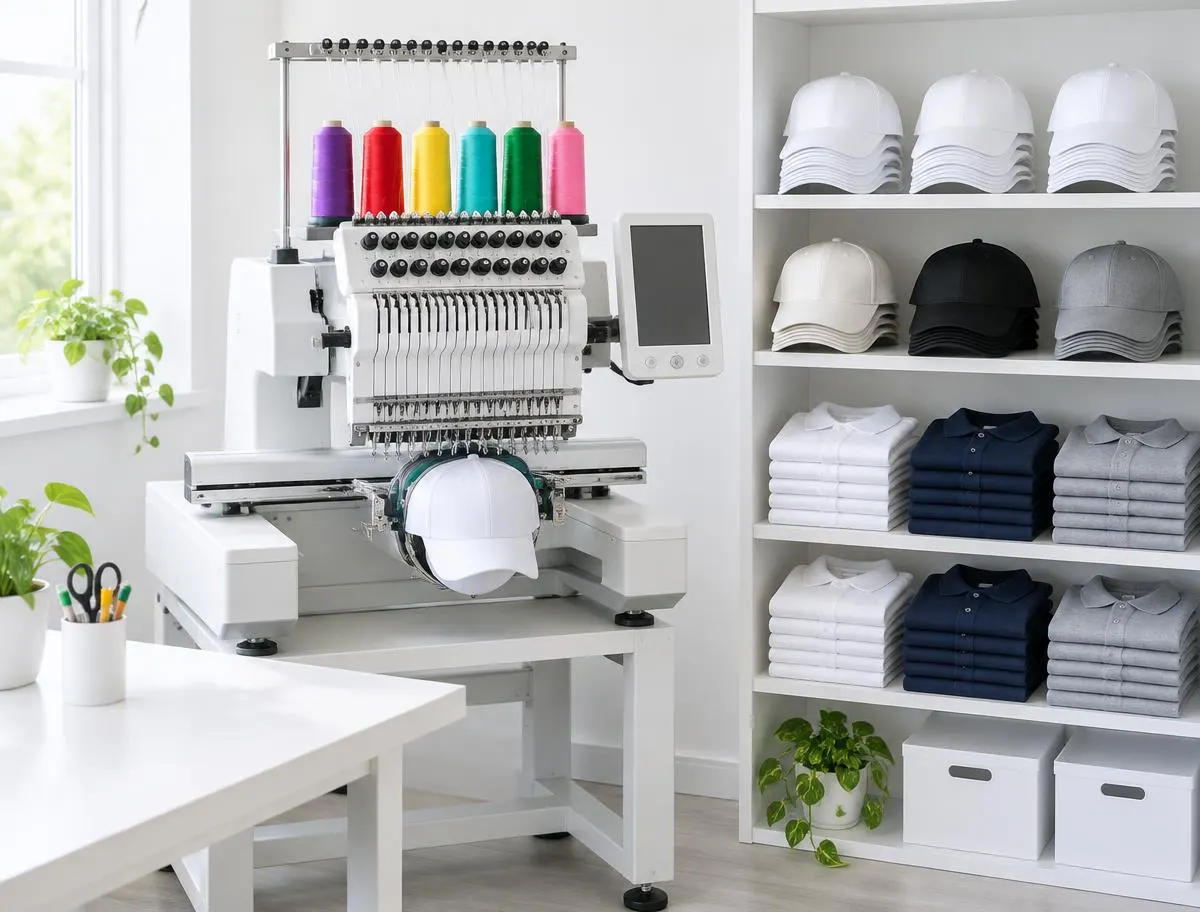
Real results, on real products
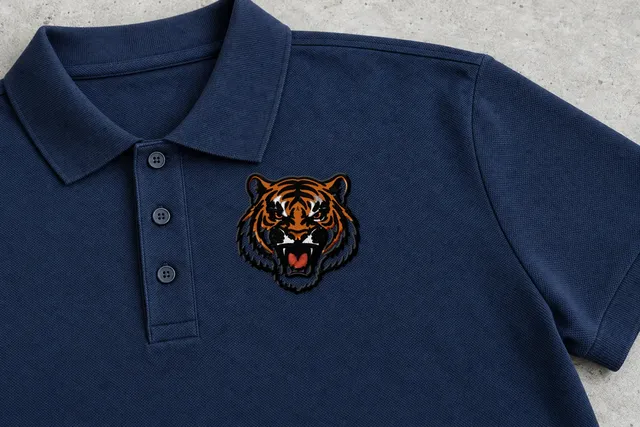 Sample
Tiger mascot
Bold Outline
18,708 stitches · 5 threads · 90 mm wide
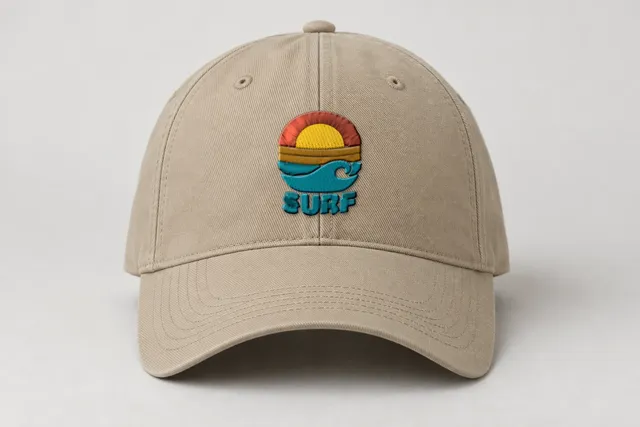 Sample
Surf sunset badge
Classic
2,329 stitches · 5 threads · 40 mm wide
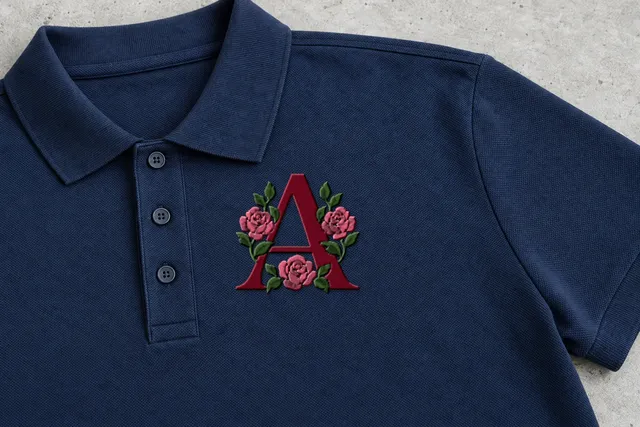 Sample
Rose monogram
Classic
7,515 stitches · 3 threads · 90 mm wide
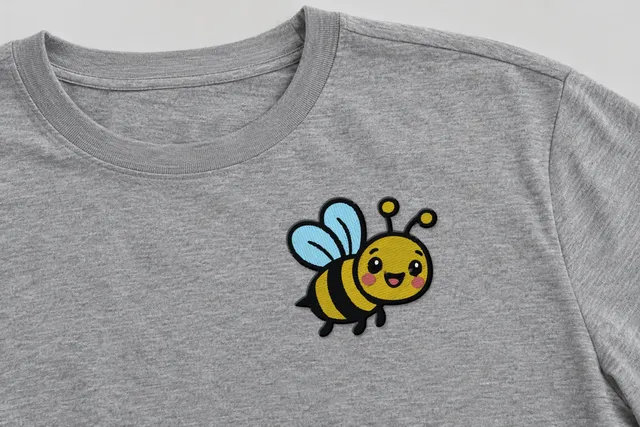 Sample
Happy bee
Classic
7,961 stitches · 5 threads · 90 mm wide
Mockup: our rendered stitches on a product photo, at true size. Sample designs, not customer work.
Your day
What does a shop need from a digitizing tool?
A customer sends a logo, usually as a JPG or a PNG. You need a file your multi-needle machine reads, a number to quote, and something to show the customer before the run.
Shops often price by stitch count, per 1,000 stitches. Waiting on a file, or finding out at the machine that it puckers or gaps, costs you the job's margin and the garment.
Today
What helps a shop today?
DST for multi-needle machines
DST is the format most commercial machines read: Tajima, Melco and most multi-needle machines.
A stitch count for every style
Each style shows its stitches, threads, size and an estimated sewing time before you download.
4 styles to show a customer
Classic, Bold Outline, Soft & Light and Line Art, side by side, from one upload.
Product previews
See the sample badge on a polo, cap, t-shirt or tote. Your own design on products is coming next.
Any size, 10 to 400 mm
Tap Left chest 3.5″, Cap front, 3″ patch or Jacket back, or type a width. A new size is free.
Re-downloads are free
Need the same design as PES for a home-machine customer? Downloading it again, in any style or format, is free.
Quote with numbers
How many stitches is my customer's logo?
Classic
Fills for big areas, satin for borders and letters, fine lines as runs.
Choose it for: Most logos.
- Stitches
- 7,019
- Threads
- 6
- Sewing time
- ~11.5 min
Examples
What do real results look like on products?
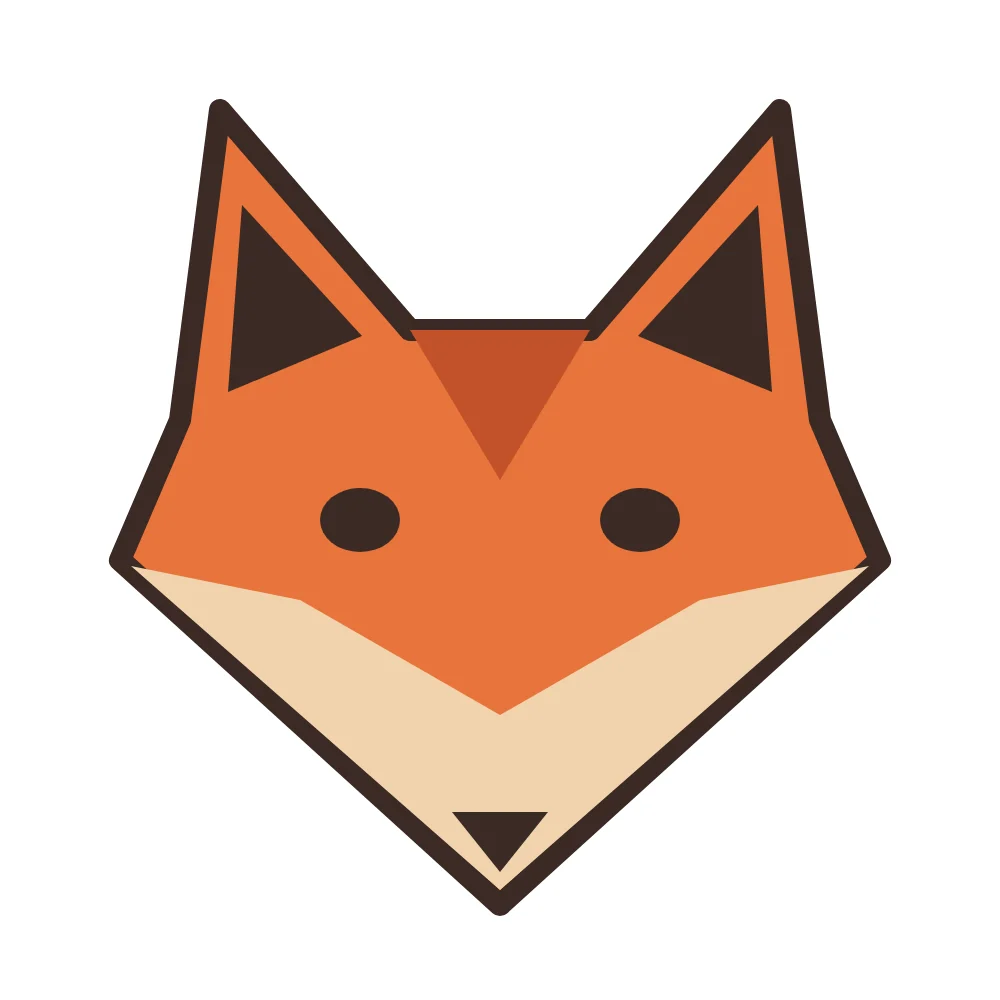
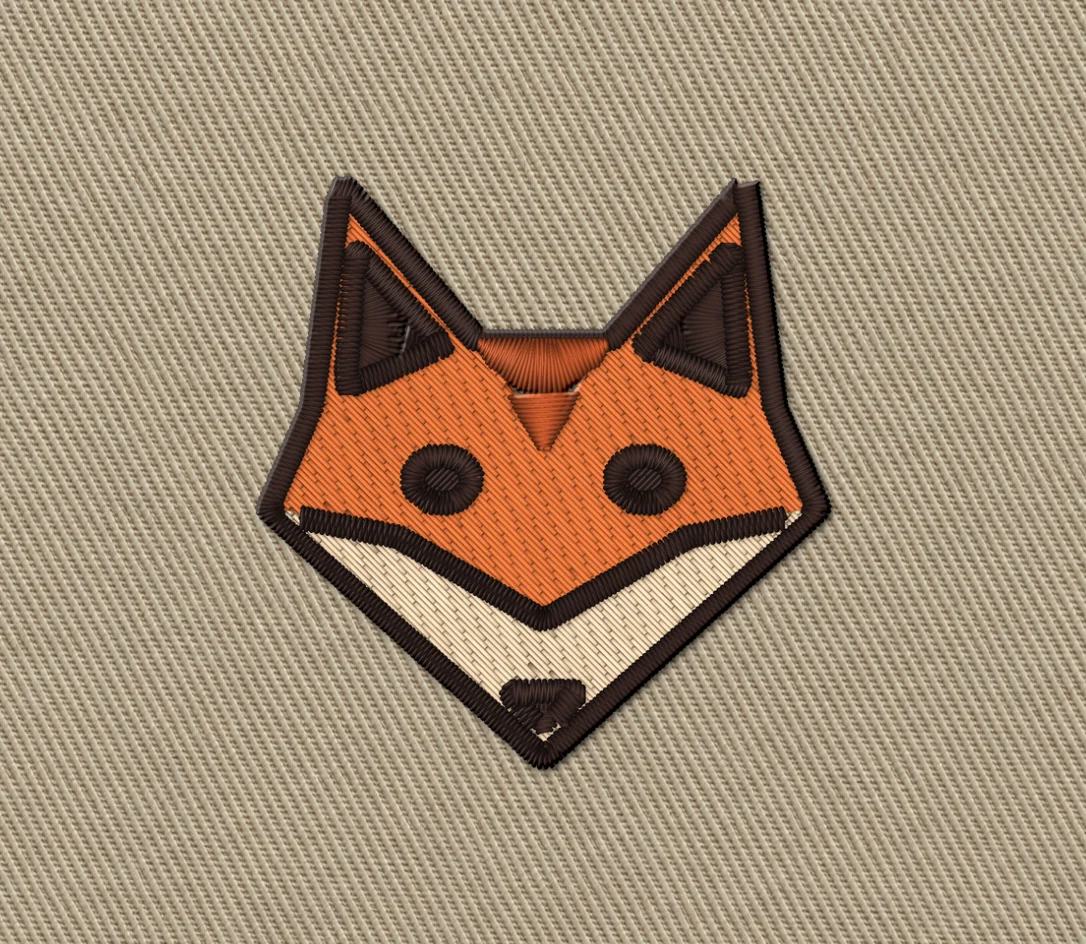
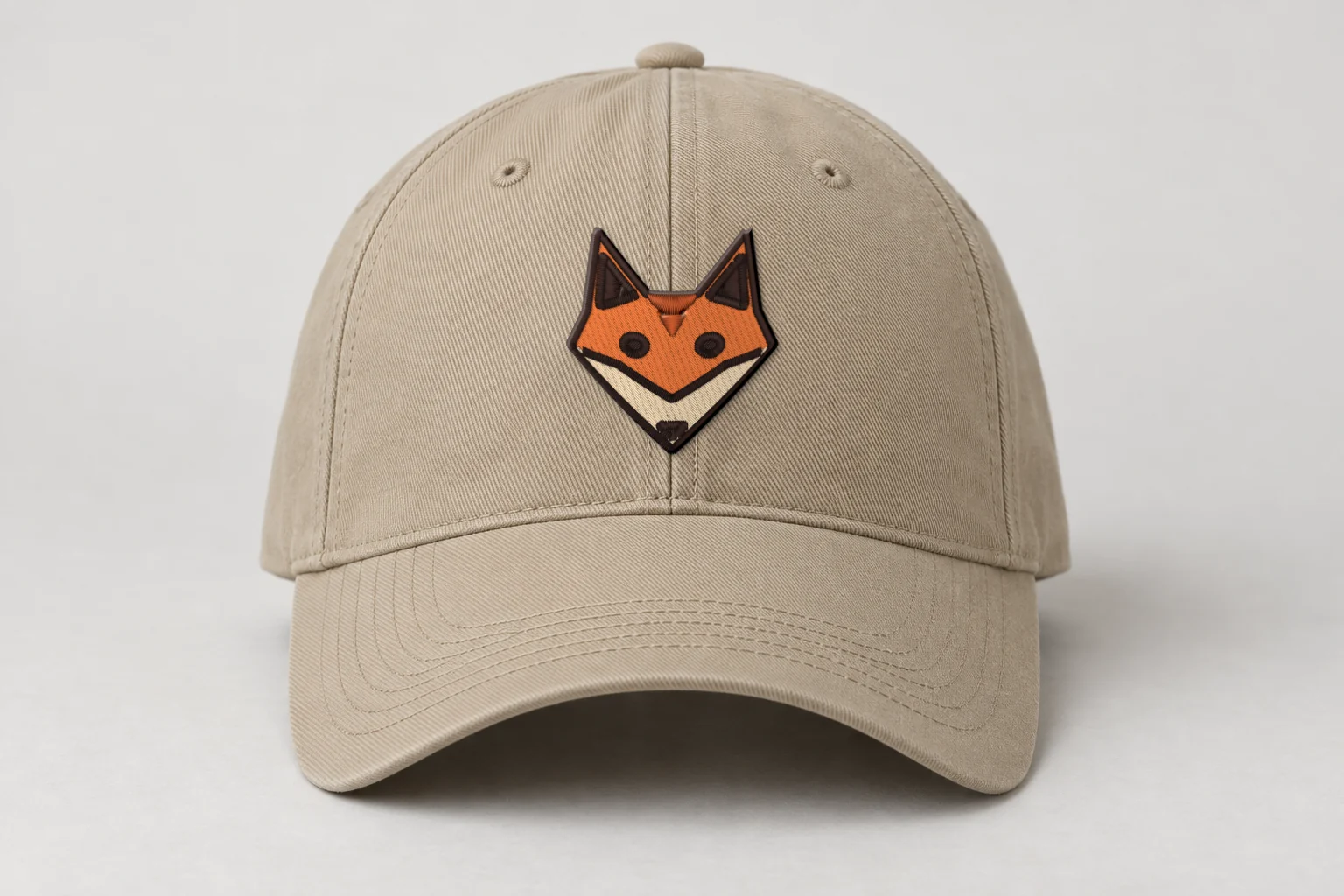
Rendered preview from the stitch file. Not a photo. Fox mascot · Bold Outline · 48 × 50 mm
3,773 stitches · 4 threads · ~7 min · Cap front
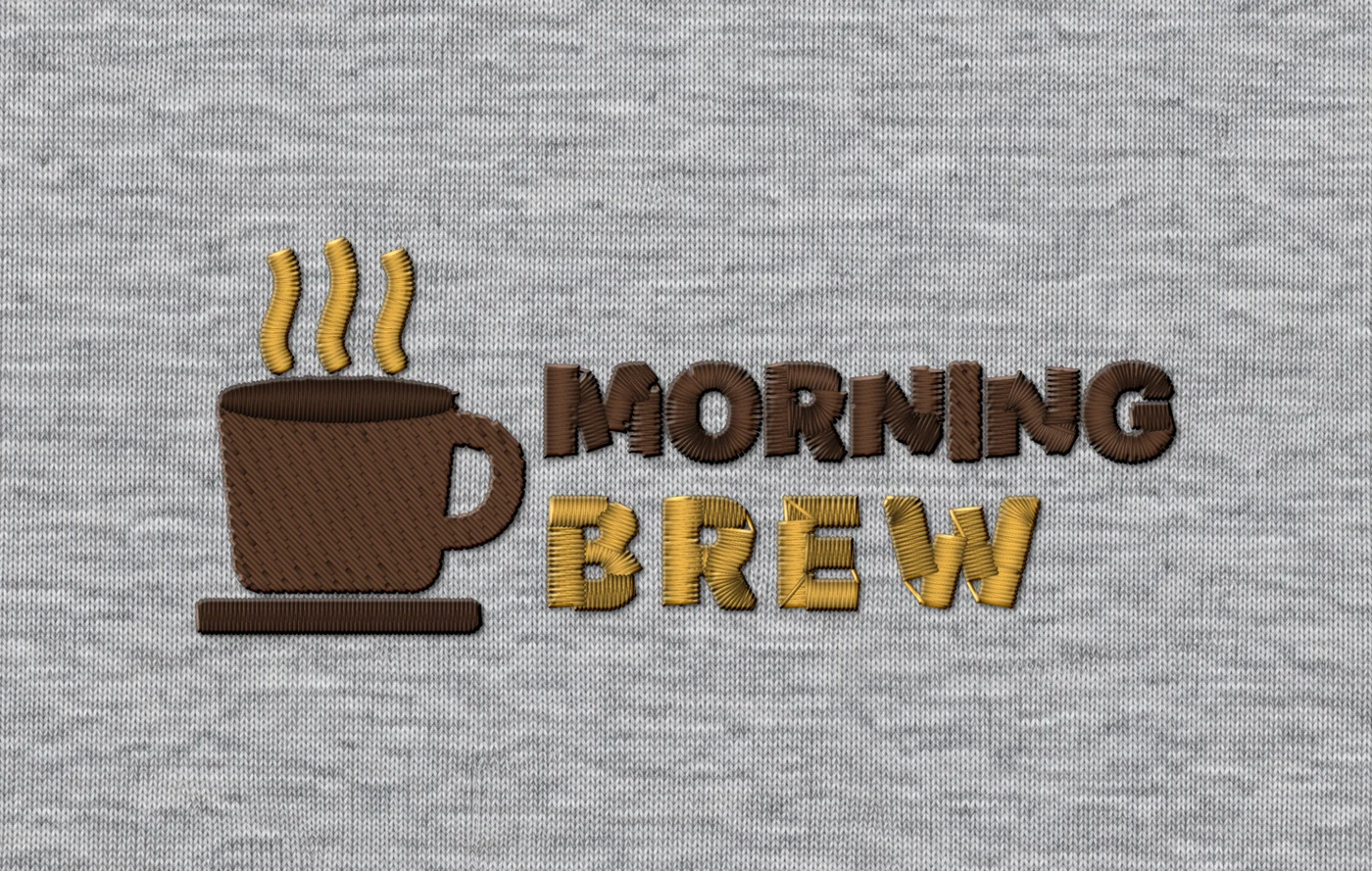
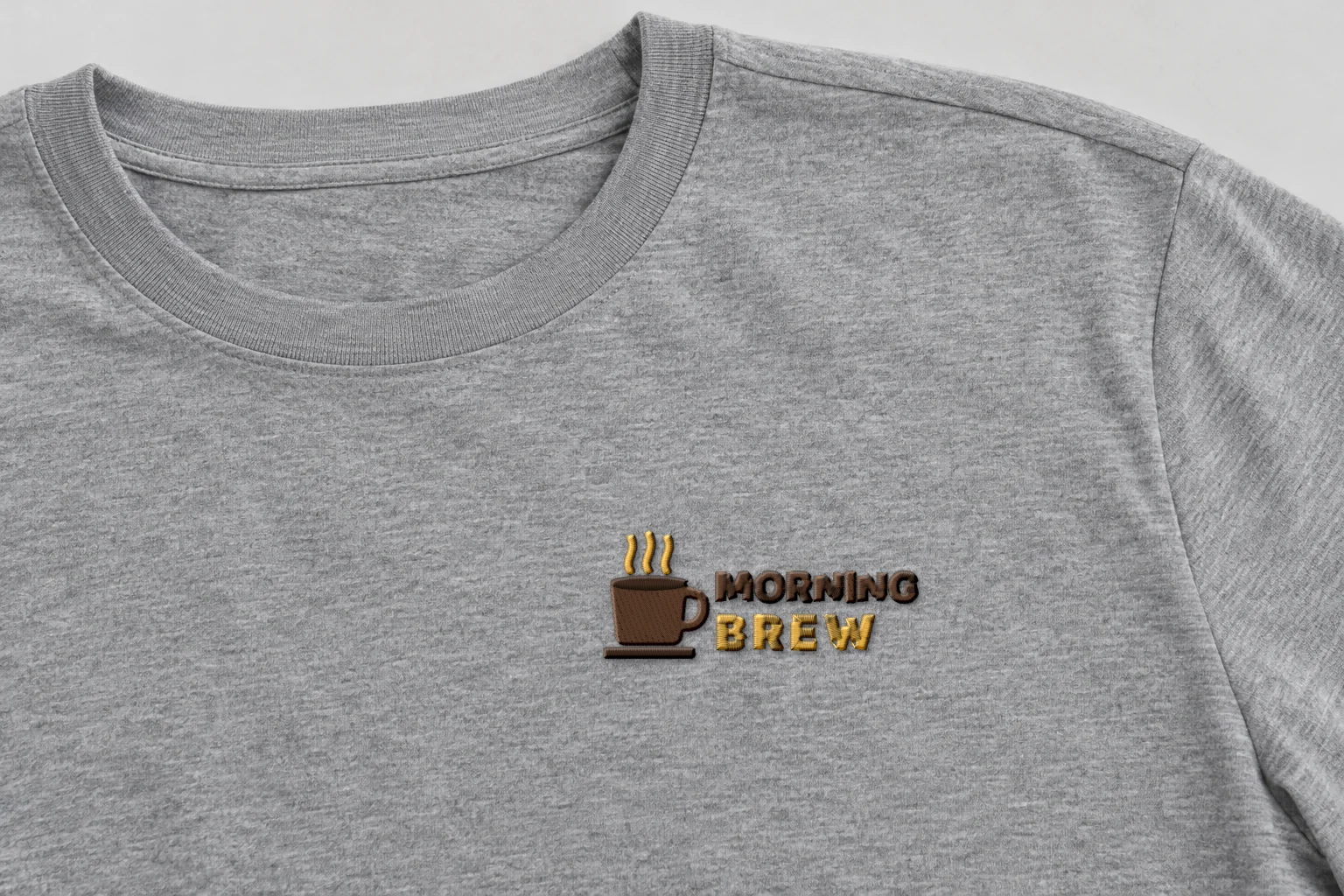
Rendered preview from the stitch file. Not a photo. Morning Brew · Classic · 90 × 36 mm
2,556 stitches · 3 threads · ~5 min · Tee, left chest
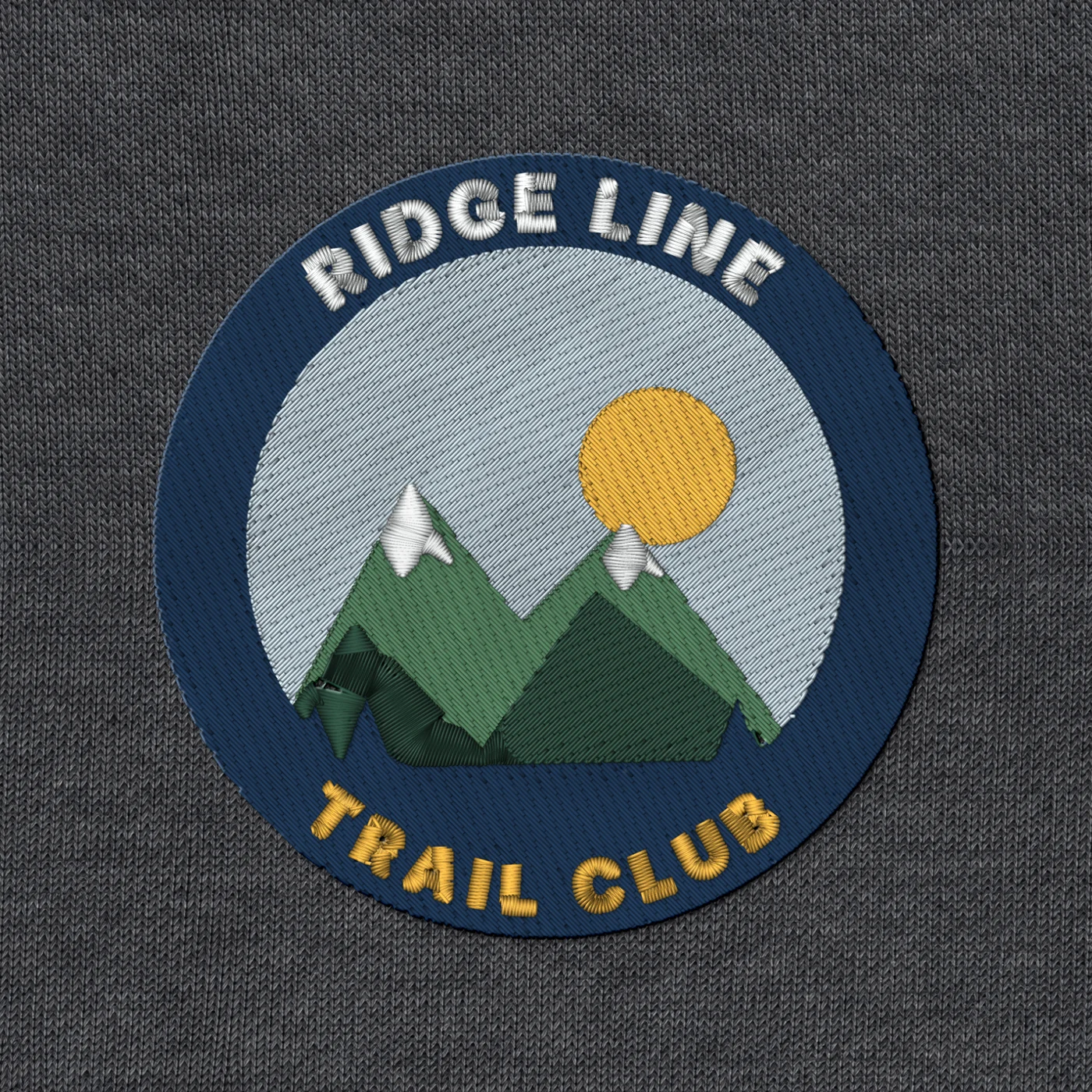
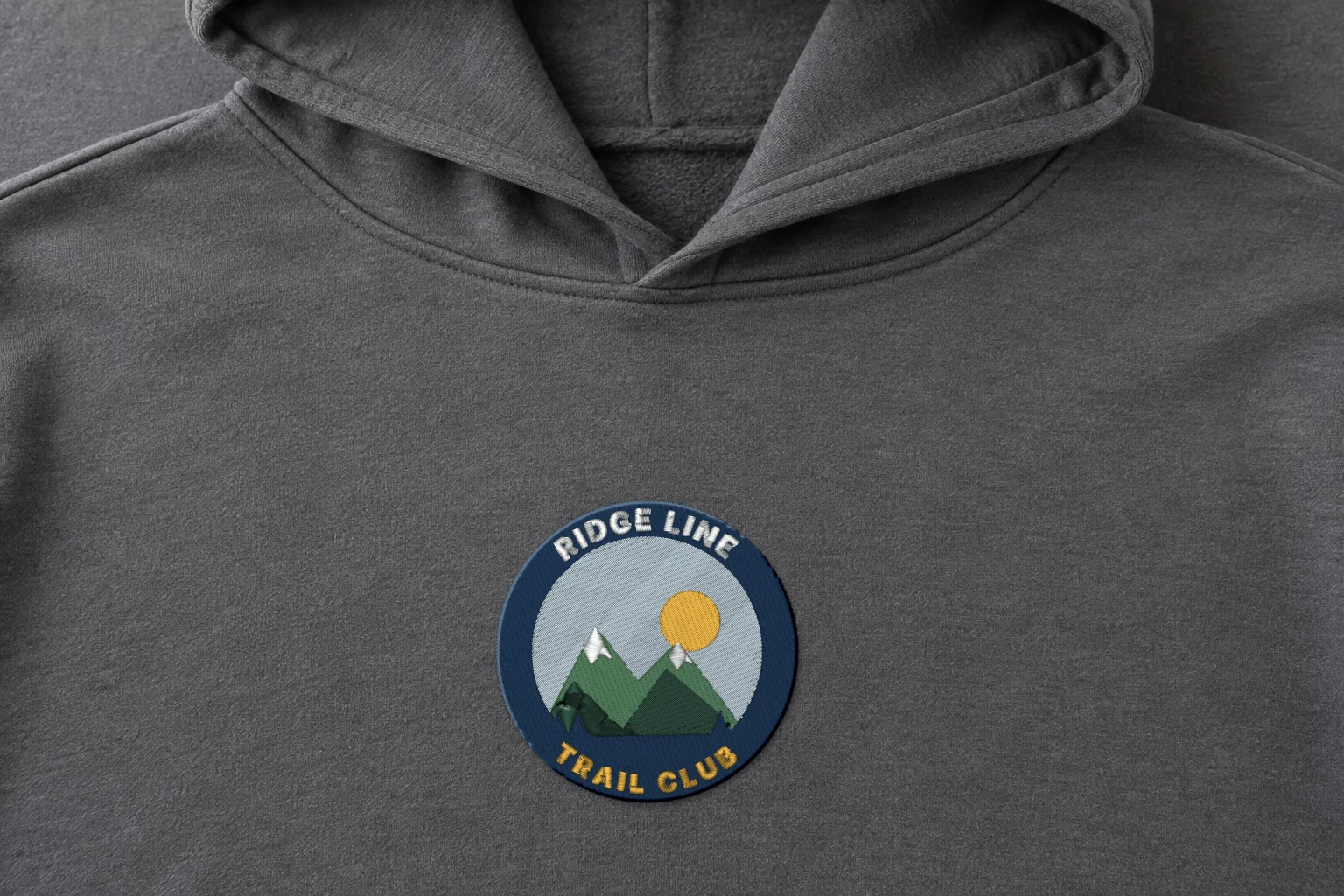
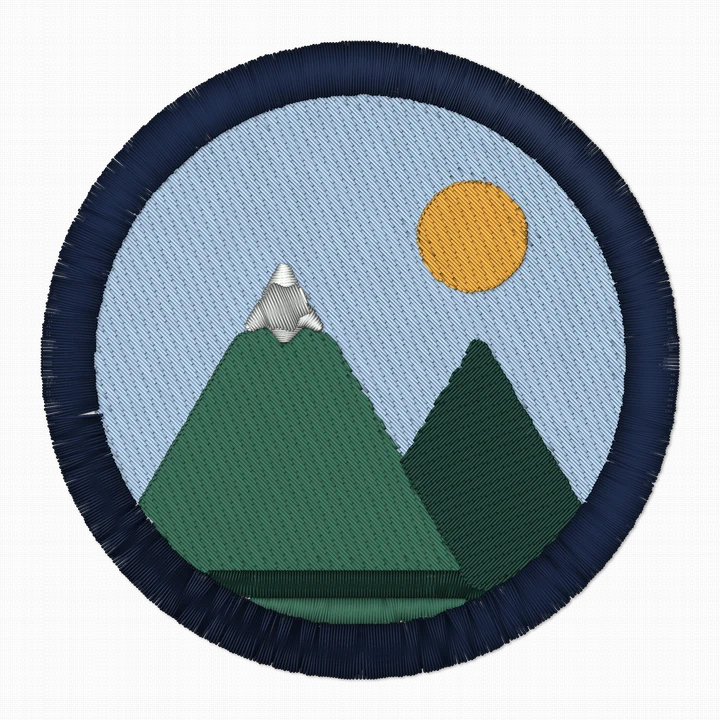
Rendered preview from the stitch file. Not a photo. Ridge Line patch · Classic · 90 × 90 mm
10,295 stitches · 6 threads · ~19 min · Hoodie, chest
A render shows exactly what's in the stitch file. Fabric, stabilizer and your machine still shape the final result, so always run a test stitch first.
These artworks are our own fictional designs, not customer work.
Show the customer
Product previews
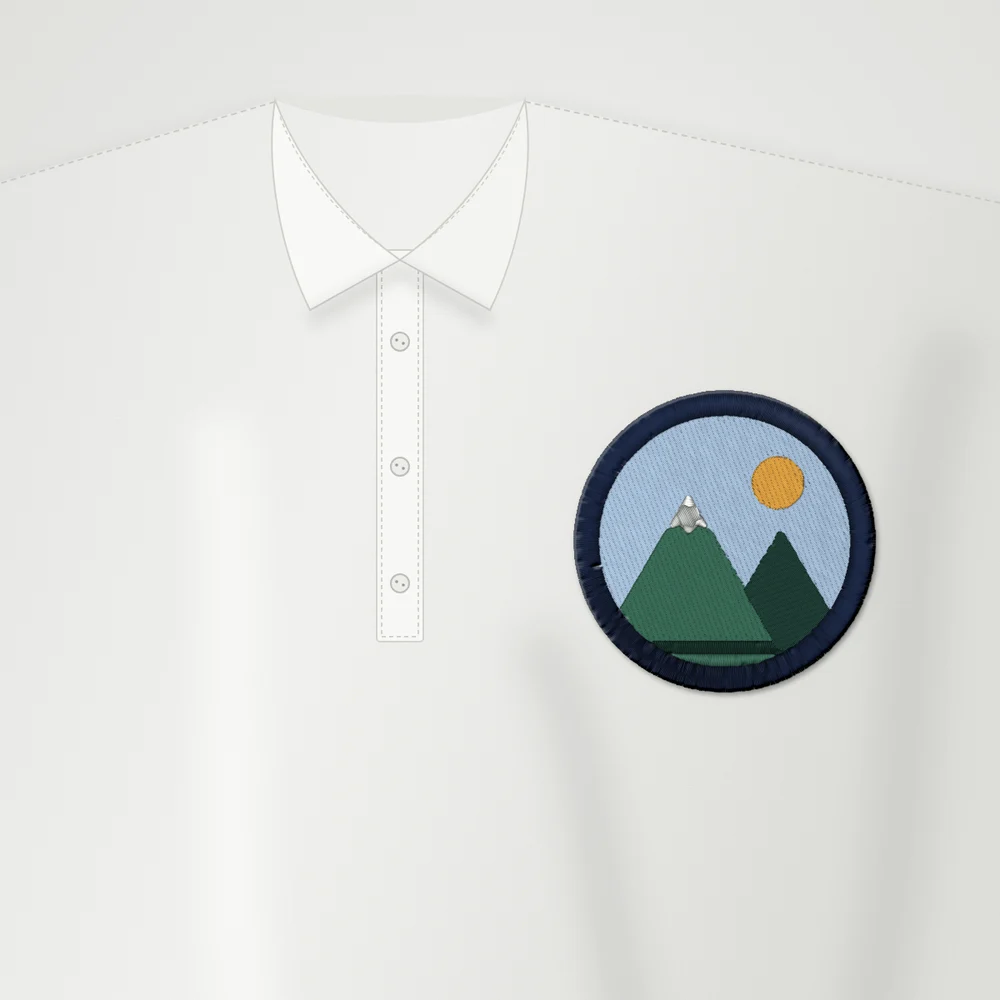 SamplePolo90 mm
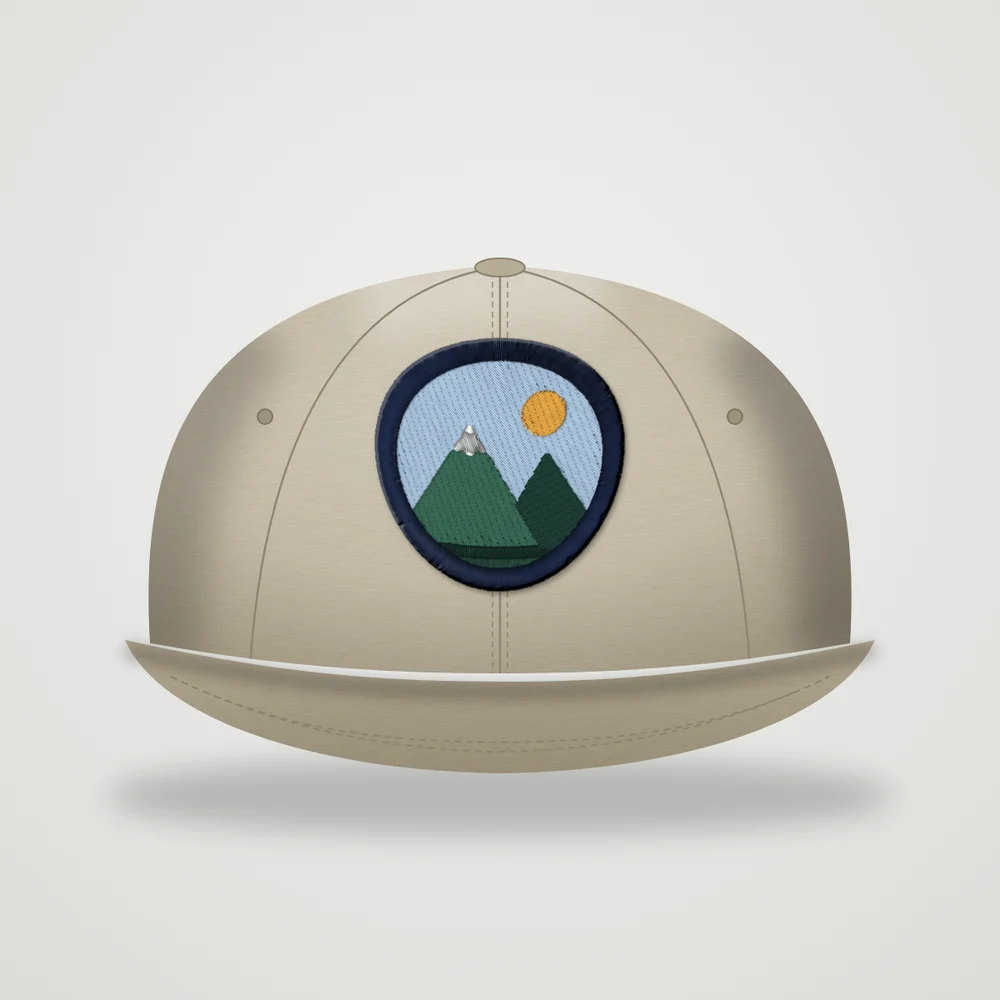 SampleCap55 mm
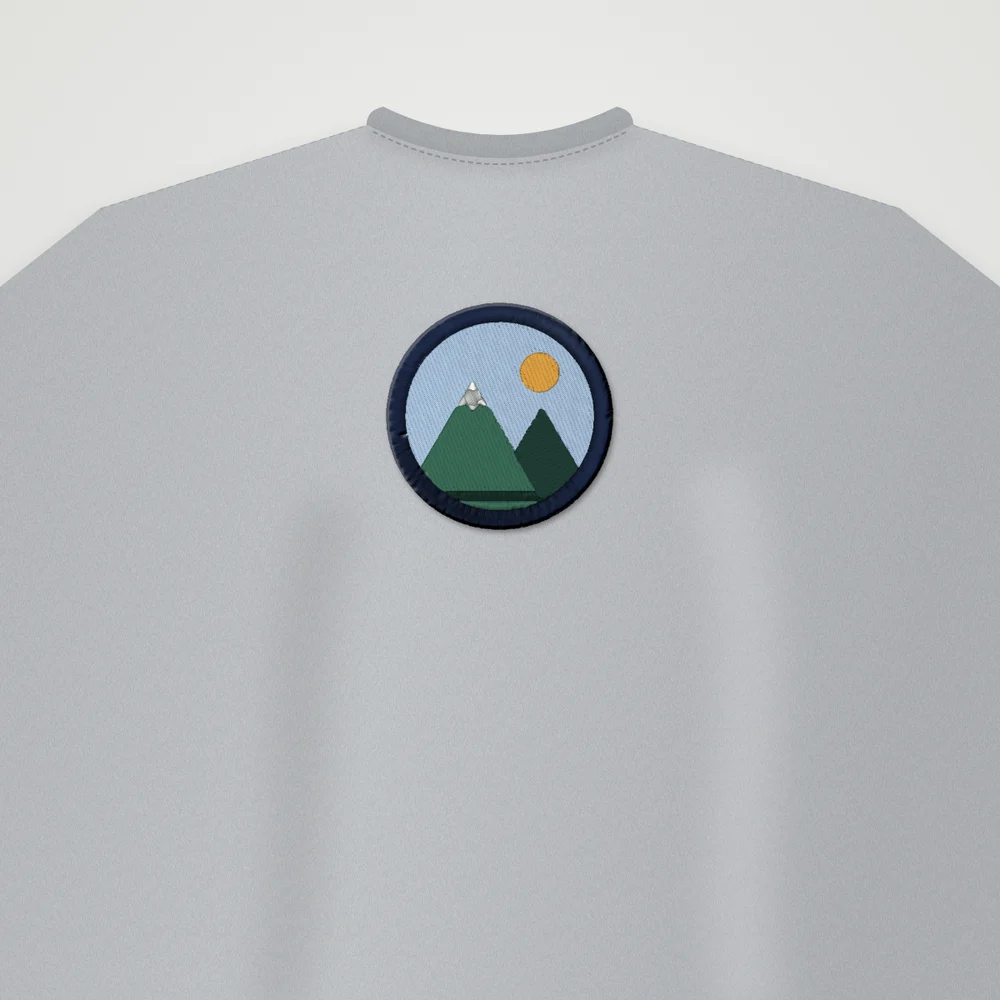 SampleT-shirt90 mm
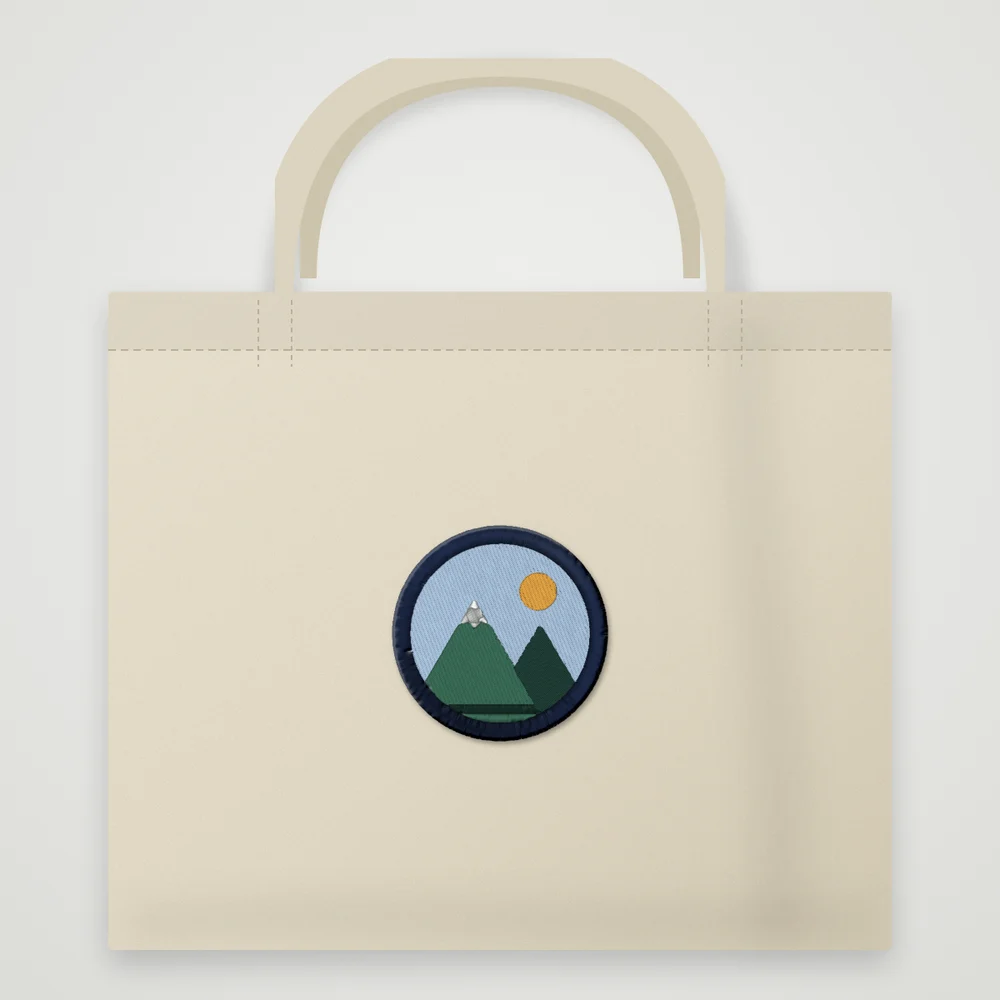 SampleTote90 mm
Mockup: our rendered stitches on a product photo, at true size.
Our sample badge. Your own design on products is coming next.
Coming next
What's coming for shops?
- Thread lists and proof sheets for shopsSoon
- Your machine and fabric settingsSoon
- Warnings before you stitchSoon
Our files don't do cap sequencing yet. Caps are usually sewn from the center outward and from the bottom up, so check the sewing order before a cap run.
Questions people ask
Which format does my machine need?
DST for most commercial machines (Tajima, Melco), PES for Brother and Baby Lock, JEF for Janome and Elna, EXP for BERNINA and Melco, VP3 for Husqvarna Viking and PFAFF, and XXX for Singer.
Does DST store colors?
No. A DST file has color stops only: the operator chooses the thread for each needle. Our EXP files work the same way. PES and JEF use the nearest color from the brand's thread chart, and VP3 and XXX store the exact colors.
How many stitches will my design have?
Each style shows its stitch count before you download. Our sample badge at 90 mm has 7,019 stitches in Classic, 7,924 in Bold Outline, 4,174 in Soft & Light and 941 in Line Art.
Can I download more than one format?
Yes. Downloading the same design again, in any style or format, is free.
Is the preview exactly how it will sew?
No. The preview is a realistic render, not a photo of a sew-out. Thread, fabric, stabilizer and machine all change the result. Do a test sew-out first.
Your AI digitizer
Drop a customer logo. See it in 4 styles.
PNG or JPG, up to 25 MB. Free account · 5 free designs, no card.
Drop your artwork