.dst file
What is a DST embroidery file?
A DST file is an embroidery file that most commercial multi-needle machines read, including Tajima and Melco. It holds the stitches, the jumps and trims, and the color stops. It does not store thread colors: the operator chooses the thread for each needle at the machine.
Last updated · The Stitch and Threads team
File format
DST
- The format these machines read
- TajimaMelco
- Thread colors in our file
- No (color stops only)
- Every DST file holds
- Stitches · jumps and trims · color stops
Real results, on real products
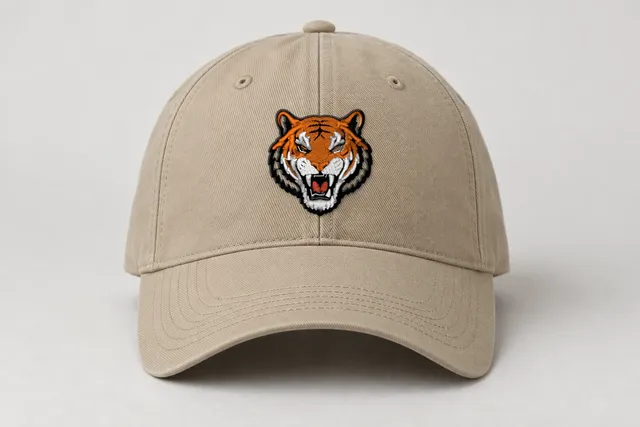 Sample
Tiger mascot
Classic
9,273 stitches · 5 threads · 50 mm wide
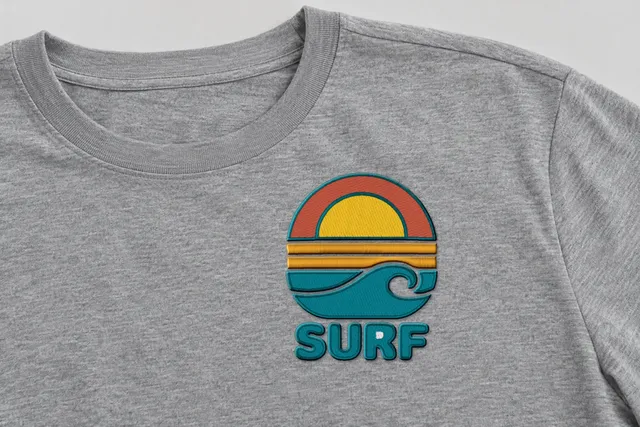 Sample
Surf sunset badge
Bold Outline
14,105 stitches · 5 threads · 90 mm wide
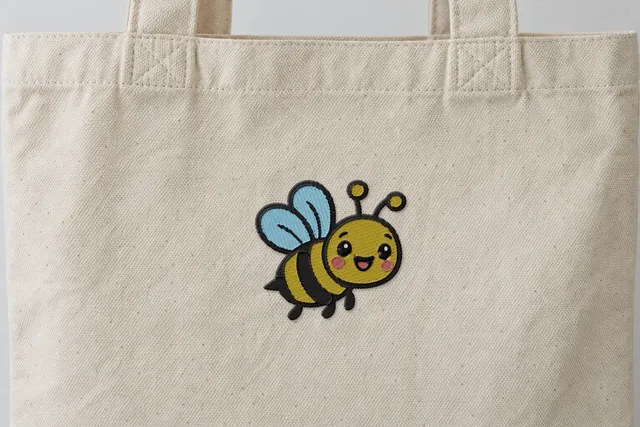 Sample
Happy bee
Soft & Light
4,567 stitches · 5 threads · 90 mm wide
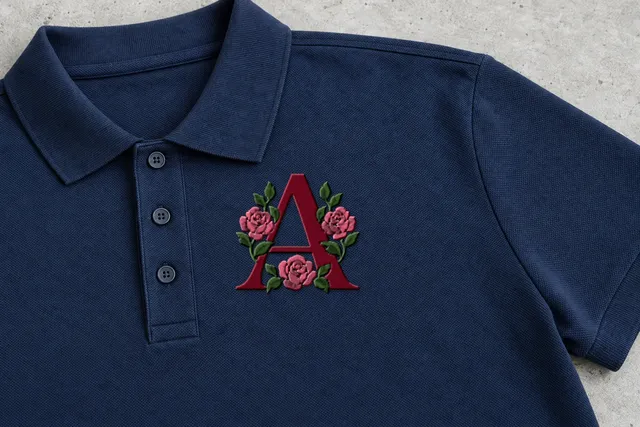 Sample
Rose monogram
Classic
7,515 stitches · 3 threads · 90 mm wide
Mockup: our rendered stitches on a product photo, at true size. Sample designs, not customer work.
Which machines use DST files?
DST is the format most commercial multi-needle machines read. In our list that means Tajima and Melco.
These are the machines you find in embroidery shops, uniform and team-wear businesses, and with sellers who run caps and polos every day. If your machine has a row of needles and a rack of cones on top, DST is usually the file it expects.
Brand names only show which machines read each format. Check your machine's manual for the formats it reads.
What's inside a DST file?
A DST file is a list of moves for the needle. Each stitch is a short step from the last one. Between areas, the file holds jumps (the needle travels without sewing) and trims (the thread is cut).
Where the color changes, the file holds a color stop. On a multi-needle machine, a color stop means "move to the next needle". The file itself does not say which color that needle carries.
That is why two shops can sew the same DST file in completely different colors. The colors live on the machine, not in the file.
Thread colors in our DST file: No thread colors. Only color stops: the operator chooses the thread for each needle.
- StitchesEach needle move, as a short step from the last one.
- Jumps and trimsWhere the needle travels without sewing, and where the thread is cut.
- Color stopsWhere the machine pauses or changes needle.
- ColorsNo (color stops only)
How do I turn my art into a DST file?
- 01
Upload your art
A PNG or JPG, up to 25 MB. Logos, lettering, clip art and line drawings work best.
- 02
Pick a style and size
See it stitched in 4 styles, for most designs in about a minute. Choose a width from 10 to 400 mm.
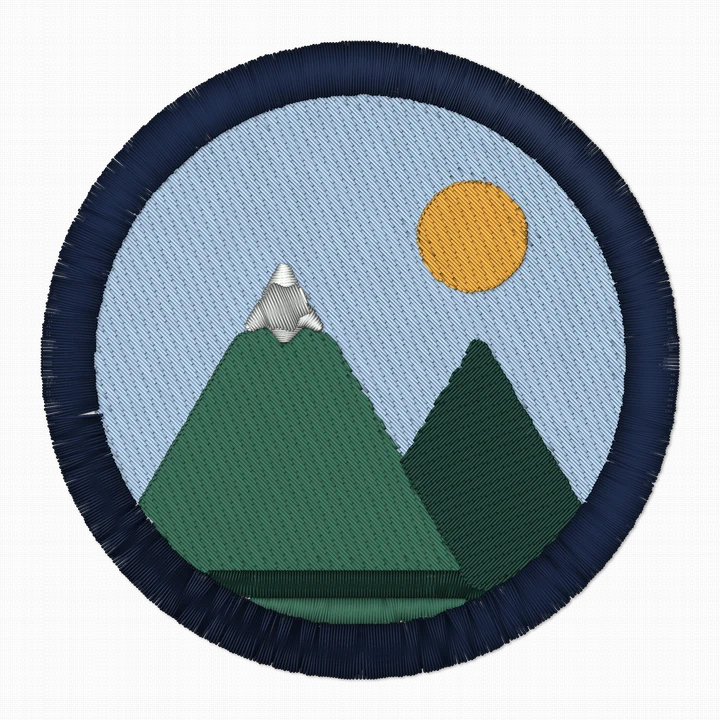
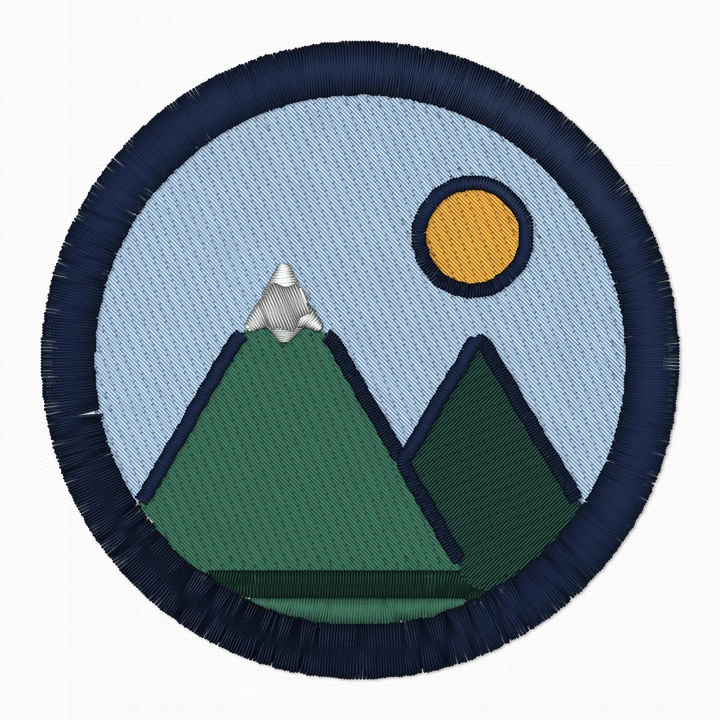
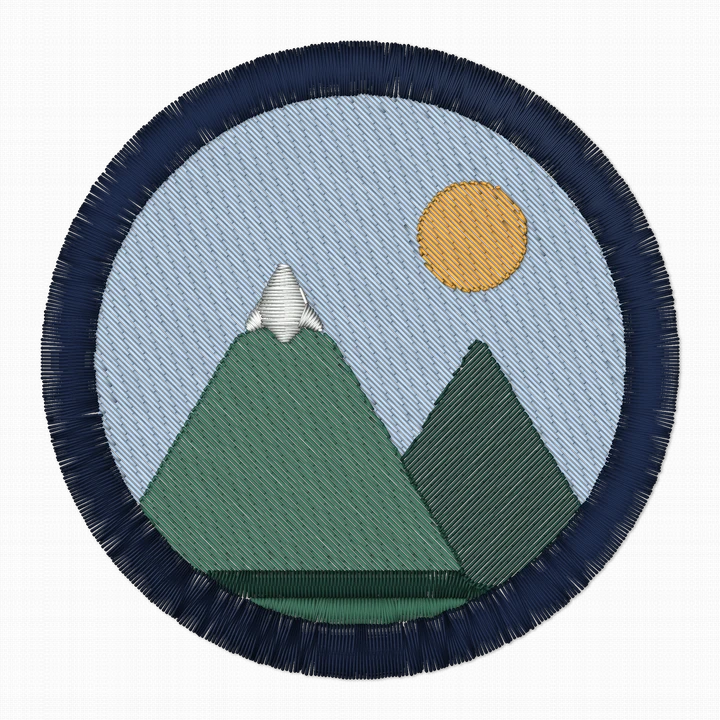
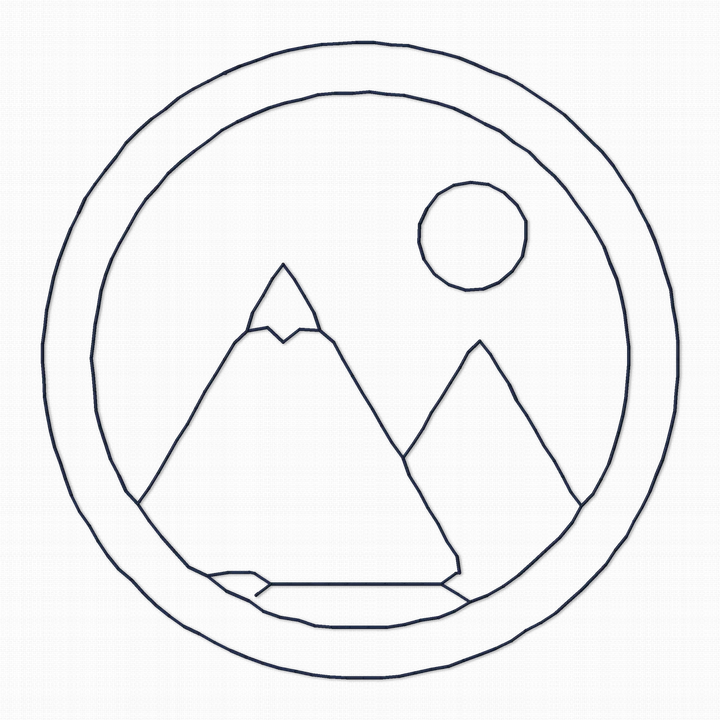 Sample
 - 03
Download DST
Pick a style. Downloading uses one of your 5 free designs.
Tips for sewing DST files
Choose the threads at the machine.
Because a DST file has no colors, you assign a thread to each needle before you sew. Set them in the order of the color stops.
Keep your color list with the file.
Write down which thread goes with each color stop. When the customer reorders, you won't have to guess.
Quote from the stitch count.
Shops often price by stitch count, per 1,000 stitches. Stitch and Threads shows the stitch count and an estimated sewing time for every style, so you can compare before you choose.
Caps need care.
Caps are usually sewn from the center outward and from the bottom up, so the fabric doesn't shift. Our files don't do cap sequencing yet, so check the sewing order before a cap run.
What does a design look like before you save it as DST?
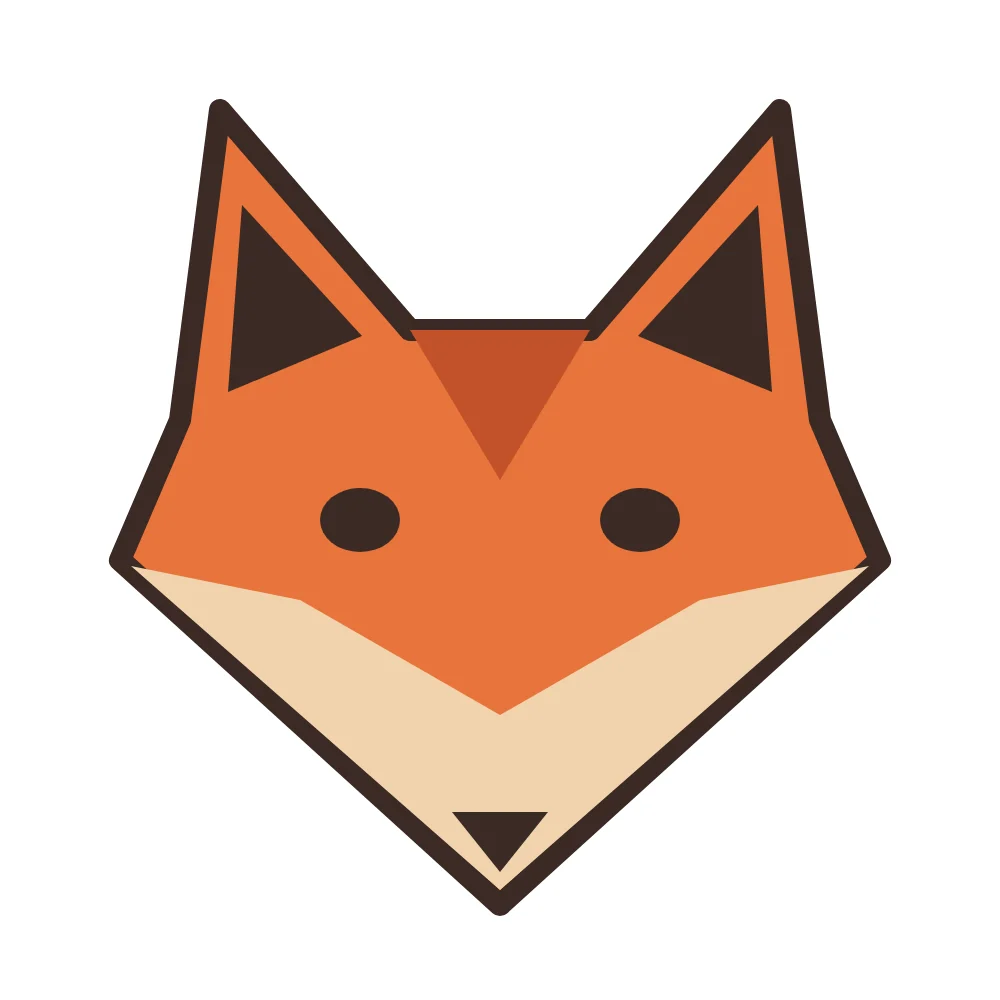
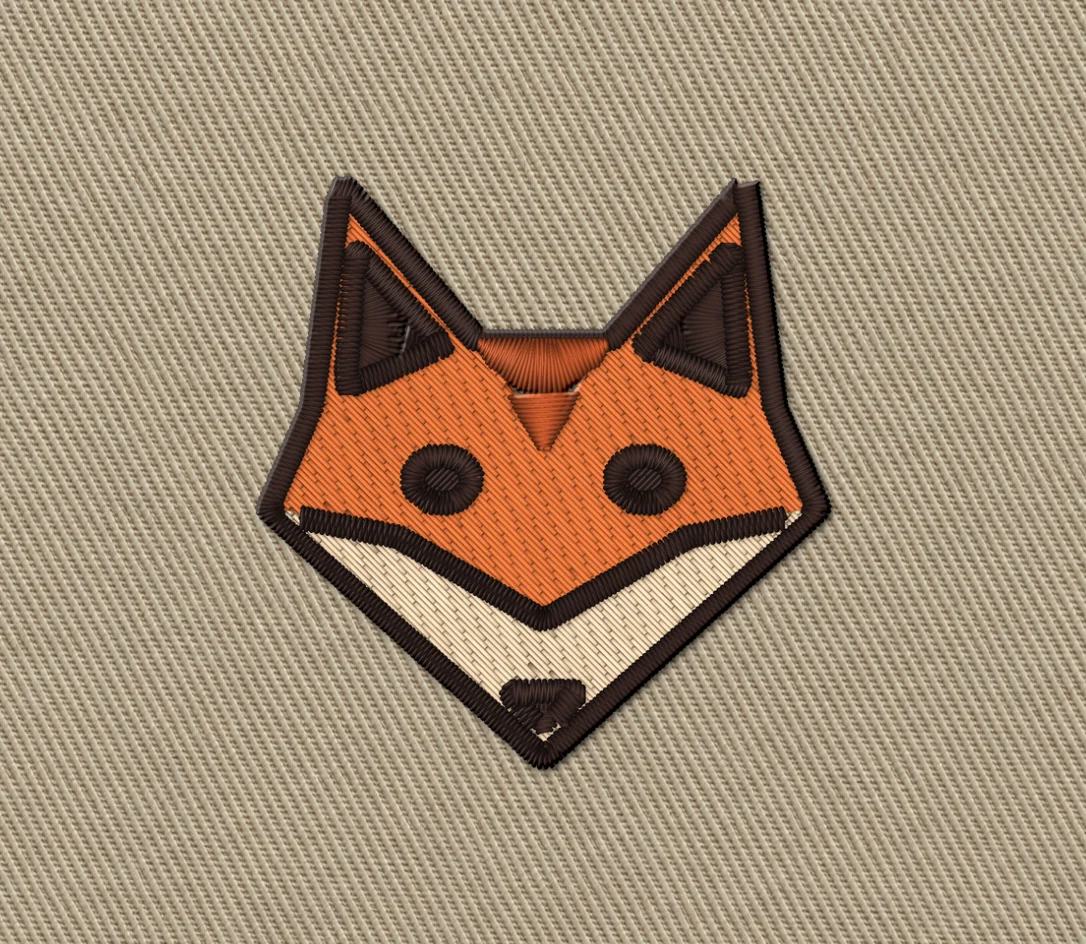
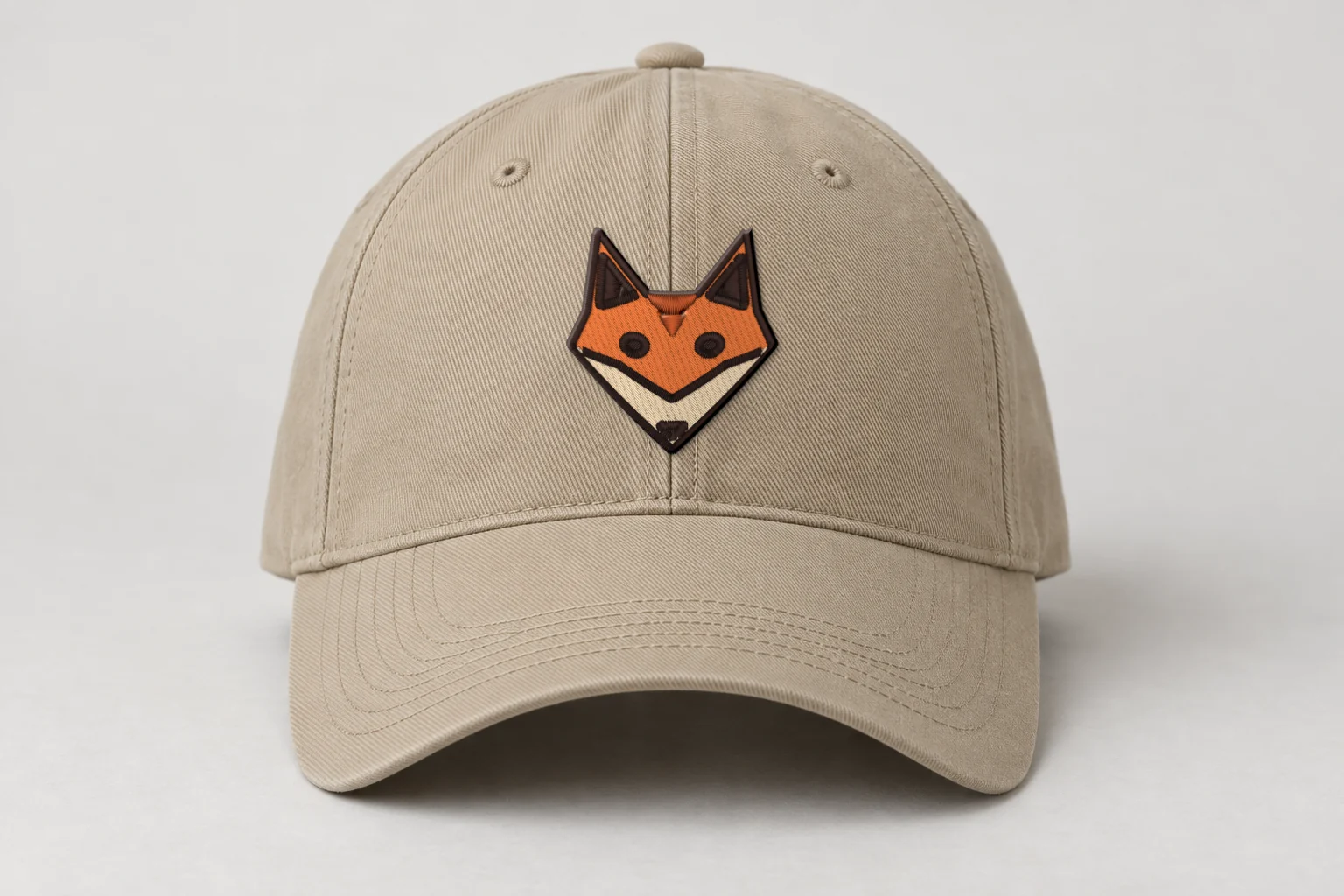
Rendered preview from the stitch file. Not a photo. Fox mascot · Bold Outline · 48 × 50 mm
3,773 stitches · 4 threads · ~7 min · Cap front
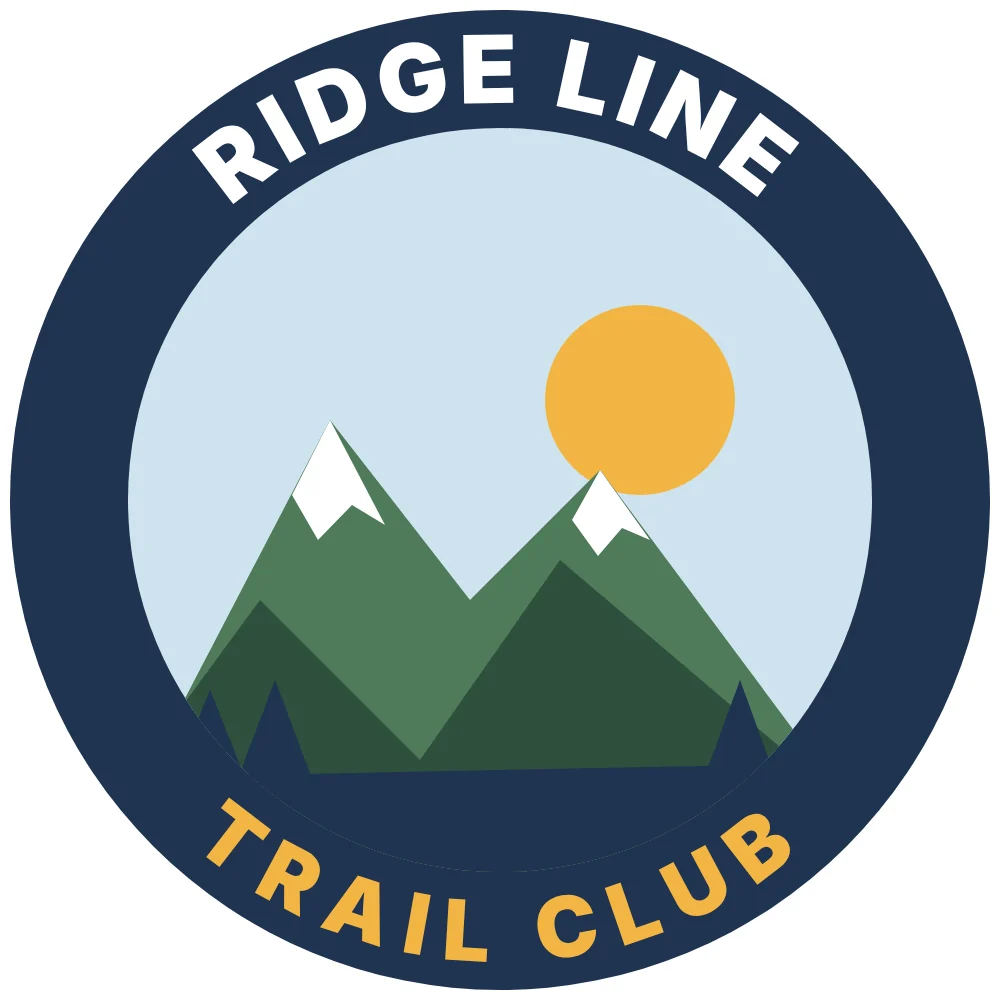
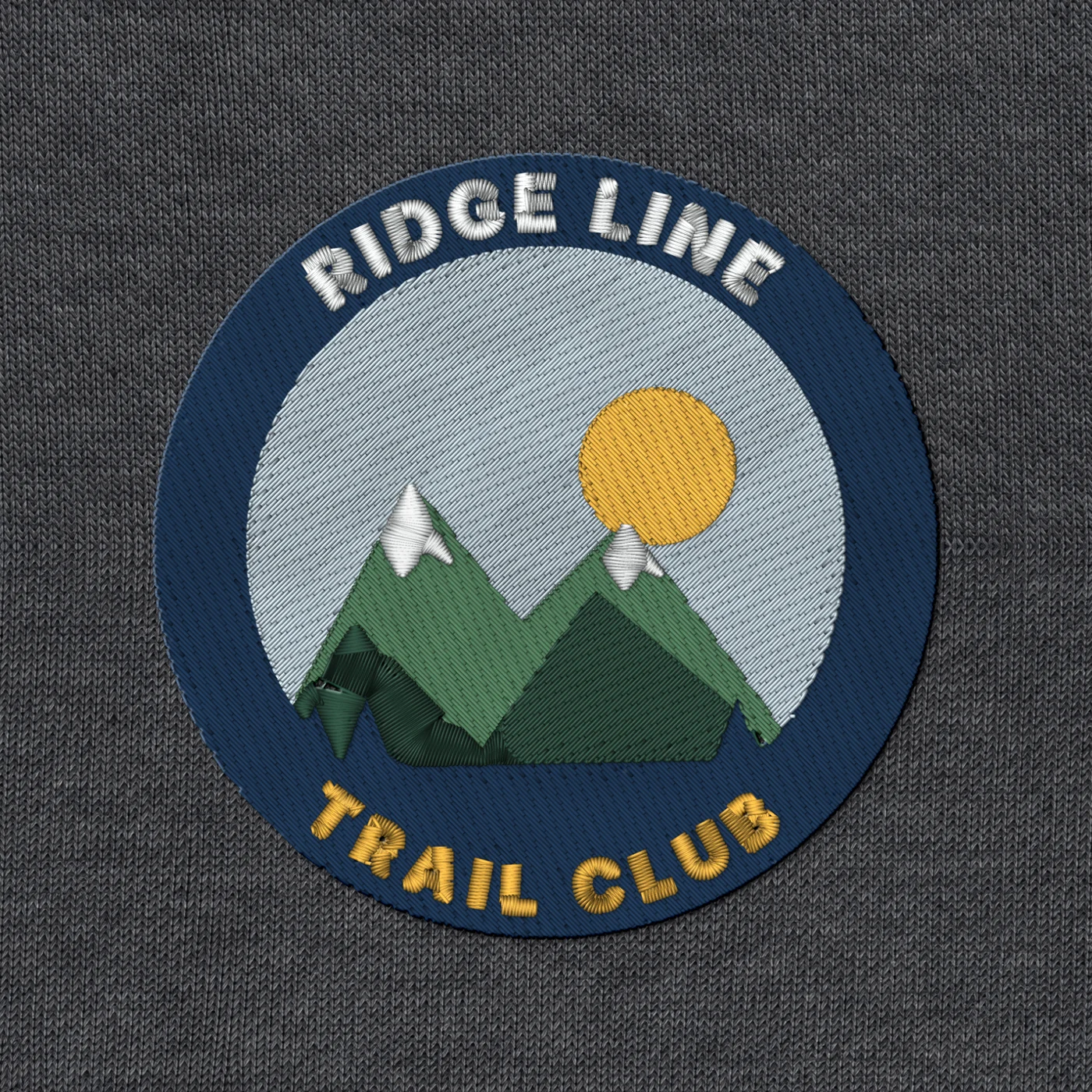
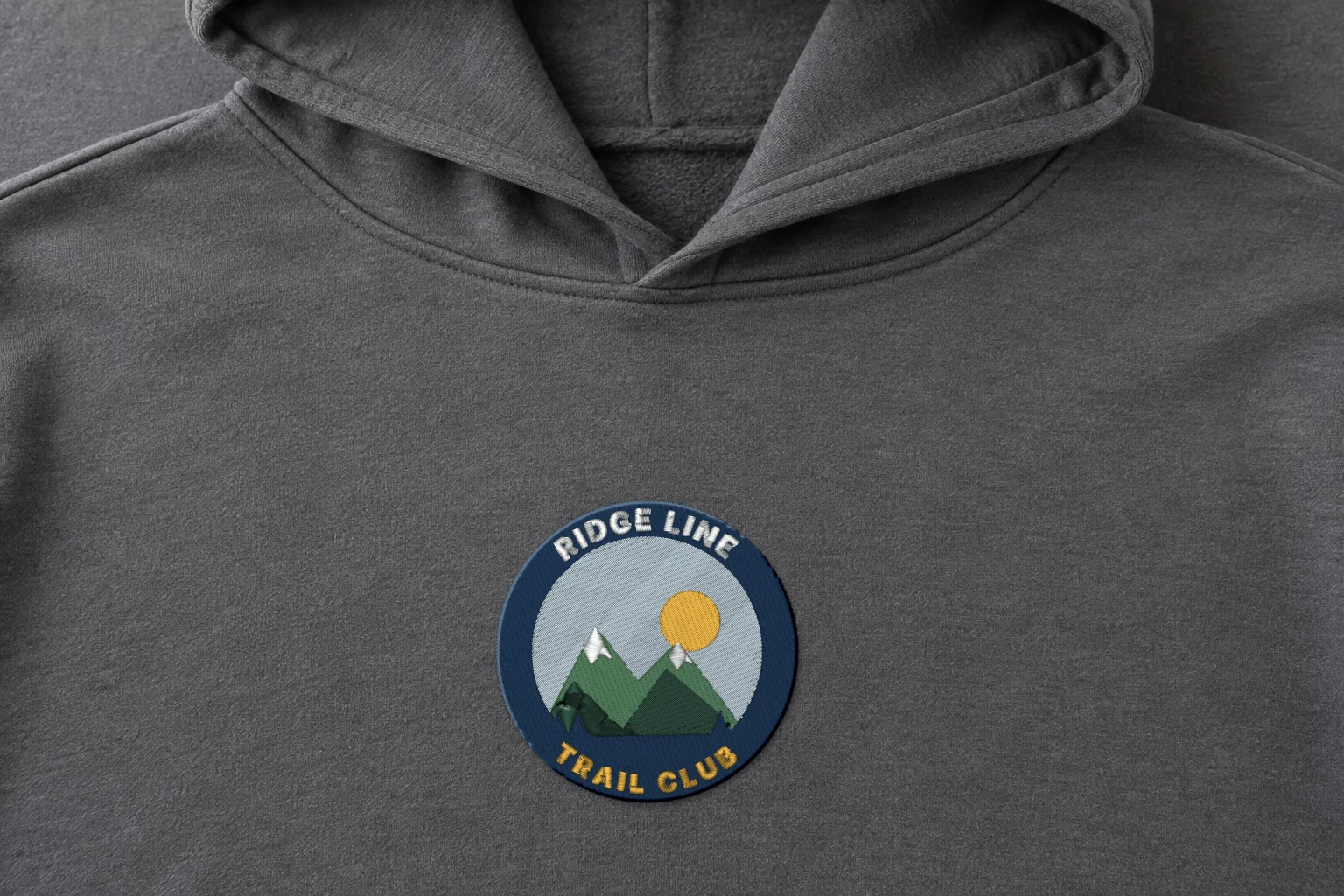
Rendered preview from the stitch file. Not a photo. Ridge Line patch · Classic · 90 × 90 mm
10,295 stitches · 6 threads · ~19 min · Hoodie, chest
A render shows exactly what's in the stitch file. Fabric, stabilizer and your machine still shape the final result, so always run a test stitch first.
These artworks are our own fictional designs, not customer work.
DST file questions
Does a DST file store thread colors?
No. A DST file stores color stops, not colors. The operator chooses the thread for each needle at the machine.
Which machines read DST files?
Most commercial multi-needle machines read DST, including Tajima and Melco.
How do I make a DST file from a PNG or JPG?
Upload the PNG or JPG to Stitch and Threads. Your digitizer shows it stitched in 4 styles in about a minute. Pick one and download it as DST. Downloading needs a free account.
Why does my DST file sew in different colors on another machine?
Because the colors are set on each machine, not in the file. The file only says when to change needles.
Can I get a DST and a PES of the same design?
Yes. Downloading the same design again, in any style or format, is free.
Your AI digitizer
Drop your art. Download DST.
Try 5 designs free · Free account, no card.
Drop your artworkRelated formats and pages
- What is an EXP file?The format Bernina machines read
- What is a PES file?The format Brother and Baby Lock machines read
- What is a VP3 file?The format Husqvarna Viking and Pfaff machines read
- All embroidery file formatsThe table of formats, machines and colors
- The 4 stylesClassic, Bold Outline, Soft & Light, Line Art